
How teachers accept or reject a submitted assignment
Review a student's submitted assignment and accept or reject it; the student is notified.
After a student submits an assignment, you can accept or reject it.
Note: Once you accept an assignment, the student can no longer edit the submitted work.
Steps
-
Go to Menu → Academics → Assignment to open the All assignments page.
-
Select the subject the assignment belongs to.
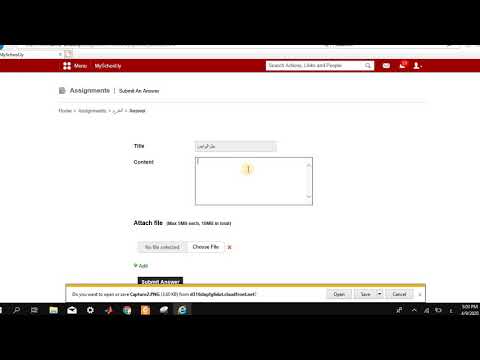
1Video (Arabic): Selecting the subject Watch on YouTube -
Click the assignment title.
-
Click Answered to see the students who have submitted their work.
Screenshot — to be addedpublic/images/articles/assignment-accept-reject-submission-2.png2List of students who answered -
Select the student whose work you want to evaluate.
Screenshot — to be addedpublic/images/articles/assignment-accept-reject-submission-3.png3The student submission -
Review the submission, then click Accept answer or Reject answer.
What happens next
The student is notified whether the teacher accepted or rejected the assignment. If it was rejected, the student can make the requested changes and submit it again.
Walkthrough
public/images/articles/assignment-accept-reject-submission-4.pngWas this article helpful?
Thanks for your feedback!