
How can I search for students using multiple criteria?
Use Advanced Search to find students by combining several criteria at once.
You can search for students using several criteria at once with the Advanced Search option.
- At the top of your dashboard, click the module access icon and go to Academics → Students.
- Click Advanced at the top right of the page.
Screenshot — to be added
public/images/articles/faq-advanced-student-search-1.png- The Advanced Search page opens. Choose the criteria you want to search by, as shown below, and run the search.
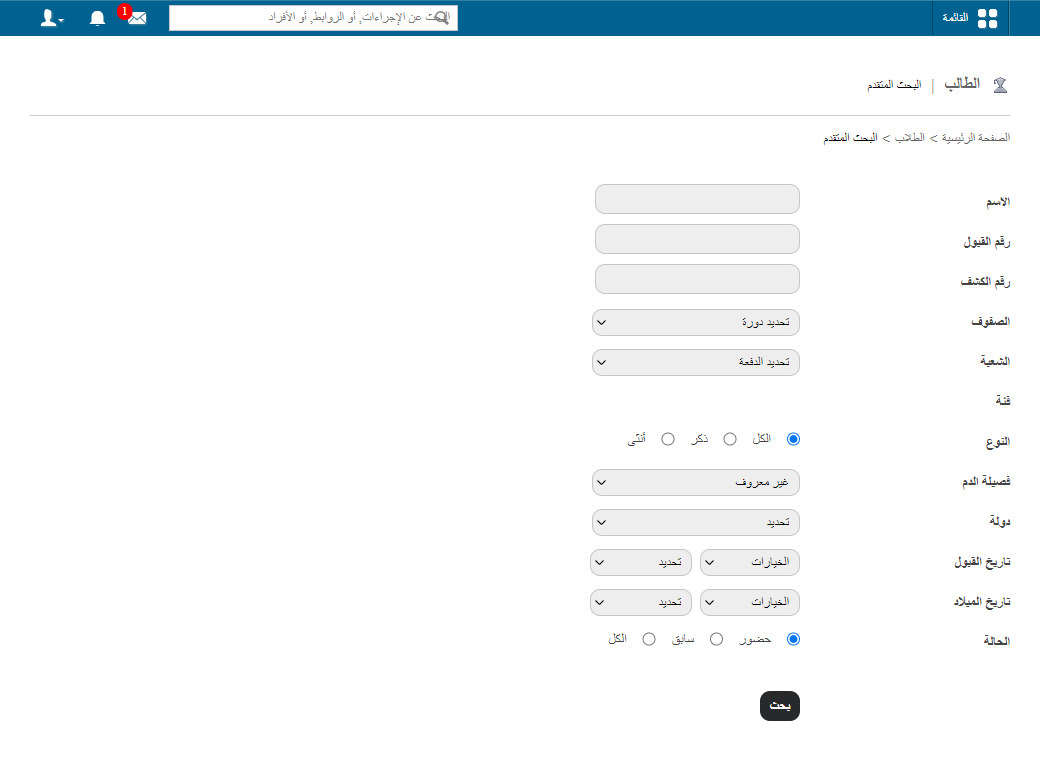
The animation below shows the full process.
Screenshot — to be added
public/images/articles/faq-advanced-student-search-3.pngWas this article helpful?
Thanks for your feedback!