
How do I add custom remarks, and who can add them?
Administrators and batch tutors can add custom remarks on students from Academics → Remarks.
Custom remarks on students can be added by an administrator or by an employee who is the batch tutor of that batch.
Steps
- Go to Menu → Academics → Remarks → Add custom remarks.
- Select the course and batch from the drop-down lists.
- Fill in the required fields and save.
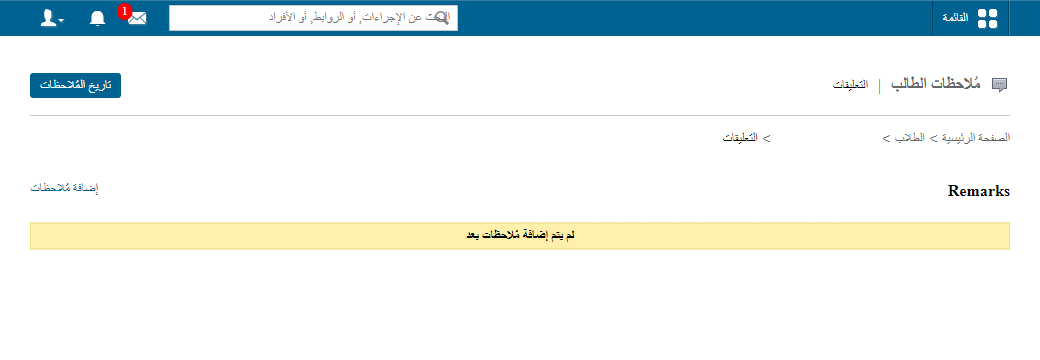
Screenshot — to be added
public/images/articles/faq-remarks-add-custom-remarks-2.pngWas this article helpful?
Thanks for your feedback!