
How to access an external application within myschool
Add external web applications to myschool from Manage Apps and choose whether they open inside myschool or in a new tab.
You can open external web applications from inside myschool. First, add the application: go to Menu → Apps → Manage Apps and click New.
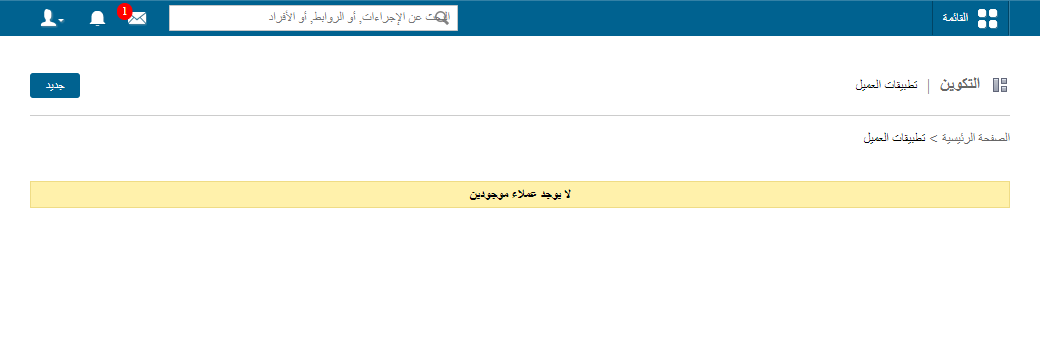
Secure (HTTPS) applications
When you add a secure (HTTPS) application, you can choose whether it opens inside the myschool frame or in a new browser tab.
Insecure (HTTP) applications
If you add an insecure (HTTP) application, it always opens in a new tab. You are also warned when you add an insecure application.
Screenshot — to be added
public/images/articles/applications-access-external-app-2.pngIdentifying applications that open in a new tab
Applications that open in a new tab are marked with an icon next to the application name.
Screenshot — to be added
public/images/articles/applications-access-external-app-3.pngScreenshot — to be added
public/images/articles/applications-access-external-app-4.pngWas this article helpful?
Thanks for your feedback!