
How to edit or delete an application in myschool
Edit or delete an external application you added to myschool from the Manage Apps page.
If you have already added an application to myschool, you can edit or delete it:
- Go to Menu → Apps → Manage Apps.
- Click Edit or Delete next to the application.
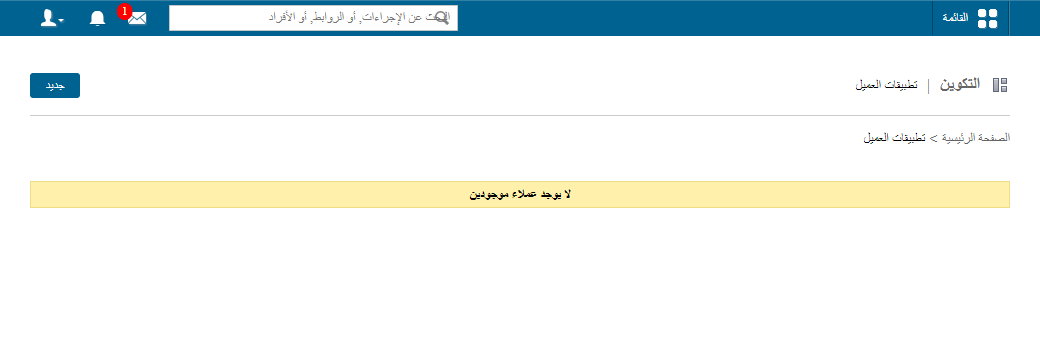
Screenshot — to be added
public/images/articles/applications-edit-delete-app-2.pngSee also: How to access an external application within myschool.
Was this article helpful?
Thanks for your feedback!