
How to view the GPA exam-wise report
View each student's grade points in an exam group, add remarks, and export individual or consolidated PDF and CSV reports.
The Exam-wise Report shows each student’s results in a specific exam group.
Go to Menu → Academics → Examination → Reports center → Exam-wise Report.
Steps
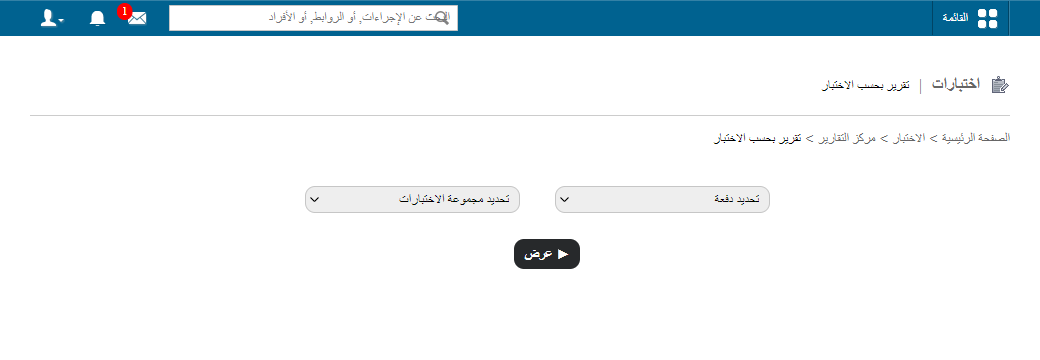
- Select the batch and exam group, then click View.
- Student names are listed on the left. Click a student’s name to see their results. The marks shown are the grade points the student obtained.
- To add remarks, click Add remarks, enter your comments and click Submit.
- To generate a report of that student’s results, click PDF report.
- To see all students’ results in one view, click Consolidated Report in the top right. You can download it as a PDF or CSV file.
- To generate reports for all students at once, click Consolidated PDF Report.
Related articles
Was this article helpful?
Thanks for your feedback!