
Main features of Zoom
Key Zoom features you can use in meetings scheduled from myschool, such as screen sharing, breakout rooms and polls.
These are some of the main Zoom features you can use in meetings set up through Zoom:
- Video conferencing
- Audio conferencing
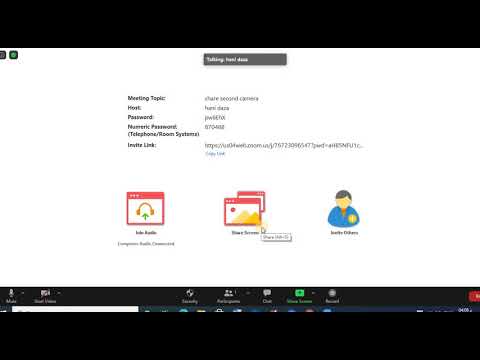
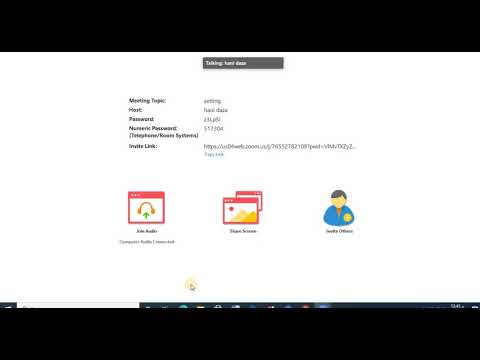
- Screen sharing – participants can share their screen with everyone in the meeting.
- Whiteboard sharing – share a whiteboard to write or draw.
- Breakout rooms – create separate rooms when there are many participants.
- Annotation – annotate on the shared screen.
- Group and private chats
- Keyboard and mouse control – give other participants remote control of your screen.
- Recording – record Zoom meetings.
- Virtual background – use a virtual background during video calls.
- Polling – run polls during the meeting.
Tip: To explore more Zoom features, sign in to your Zoom account on the Zoom website and open your profile Settings.
Was this article helpful?
Thanks for your feedback!