
How to edit or delete a custom report
Custom reports cannot be edited. To change one, delete it from Custom Reports and create a new report.
An existing custom student or employee report cannot be edited. To make changes, delete the report and create a new one.
Delete a custom report
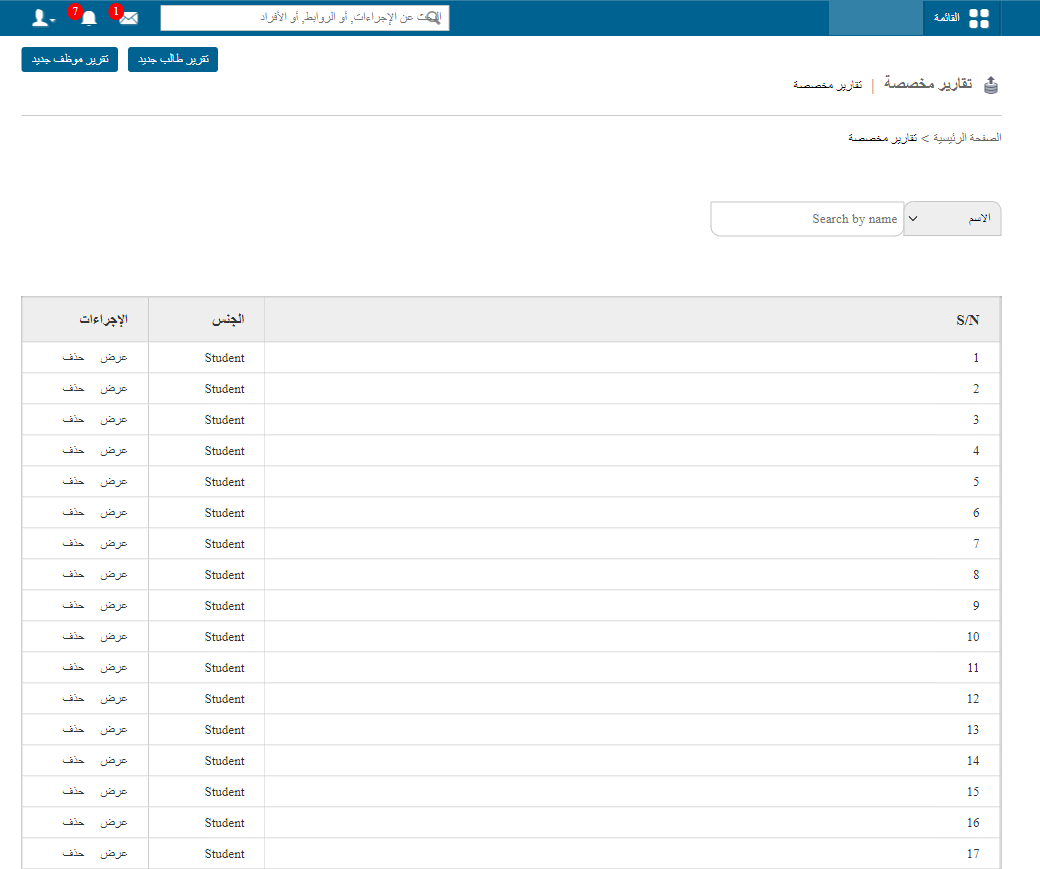
- Go to Menu → Data and Reports → Custom Reports.
- Click Delete next to the report you want to remove.
Related articles
Was this article helpful?
Thanks for your feedback!