
How can I edit timetable entries for a batch?
Admins and privileged employees can change the subject and teacher in any timetable slot of a batch at any time.
Admins and privileged employees can edit the subject entries in a batch’s timetable at any time.
Go to Academics → Timetable → Edit Timetable → Edit Timetable Entries.
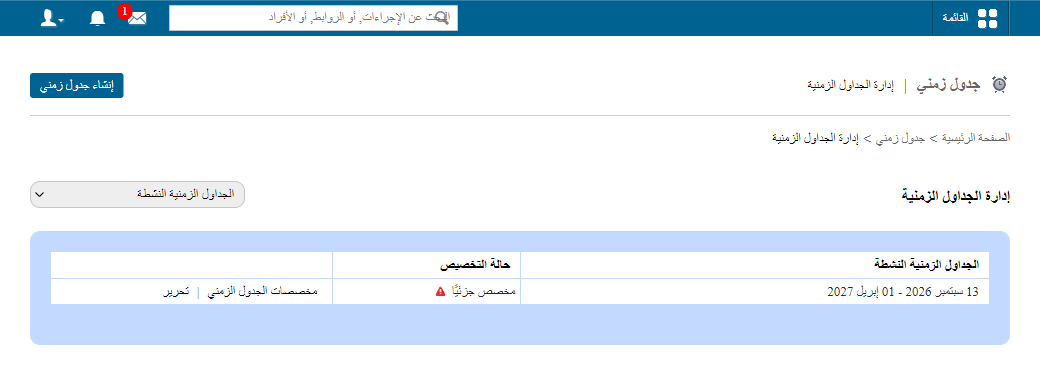
- Select the batch. Its timetable slots are displayed.
- Select a subject and add an employee: drag and drop, or assign, any of the listed employees into the relevant slot of the timetable.
See also Edit or delete a timetable.
Was this article helpful?
Thanks for your feedback!