
How to create a financial year
Define the financial year under which all financial operations, such as fee collection, are managed.
A financial year is the period under which all financial operations in the system, such as student fee collection, are managed.
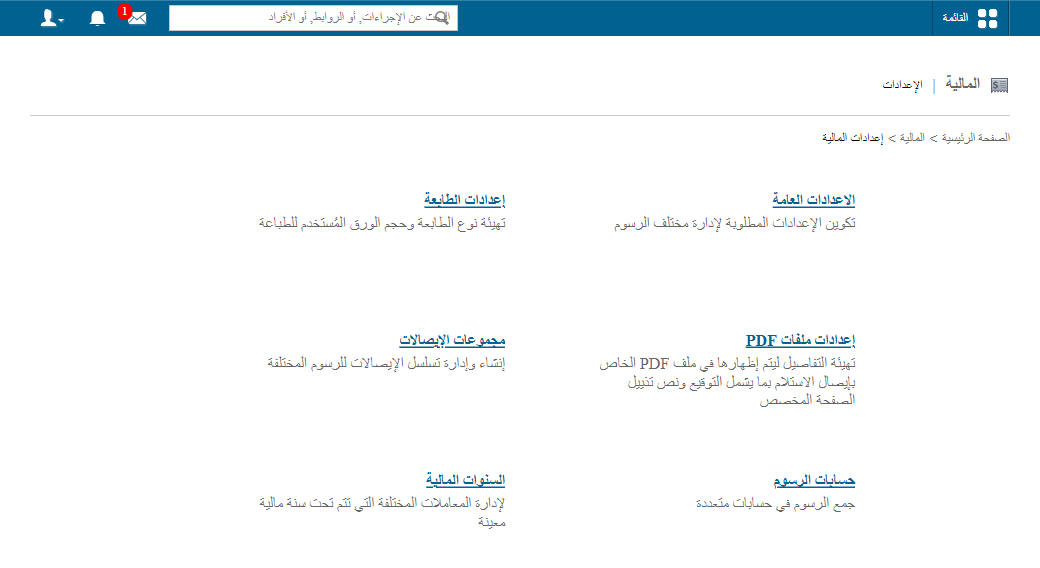
- Go to Menu → Administration → Finance → Finance Settings → Financial Year.
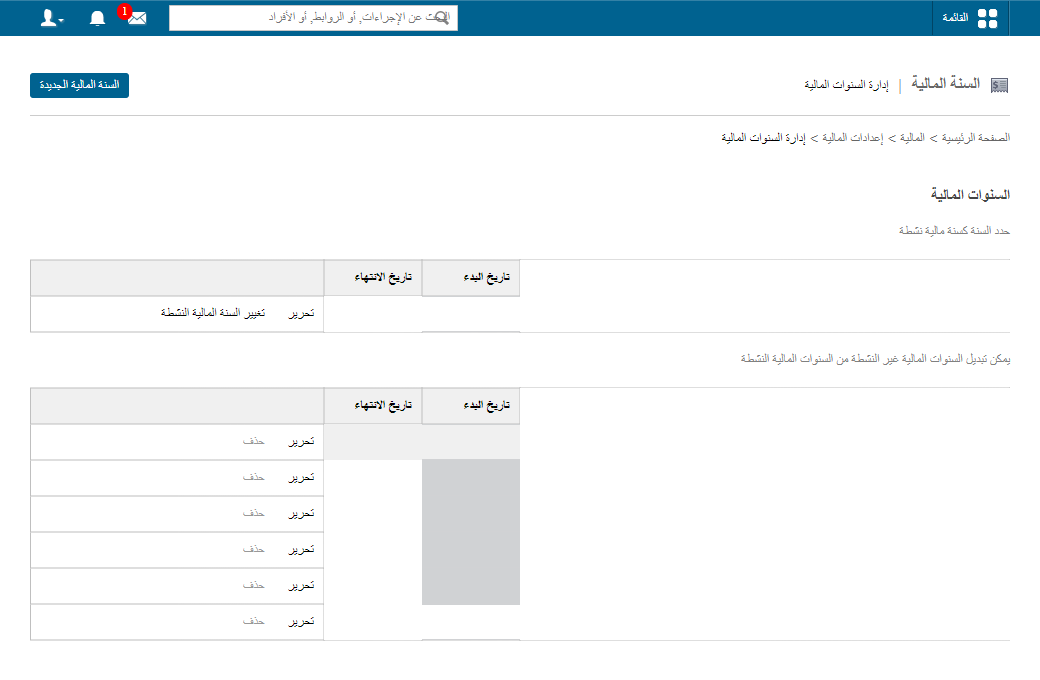
- Click New Financial Year.
- Enter the start date, end date and name.
- Click Create Financial Year.
Was this article helpful?
Thanks for your feedback!