
How to view student ranking per subject
Rank the students of a batch by the marks they obtained in a subject across all exams.
The Student Ranking per Subject report ranks students by the marks they obtained in a particular subject across all exams.
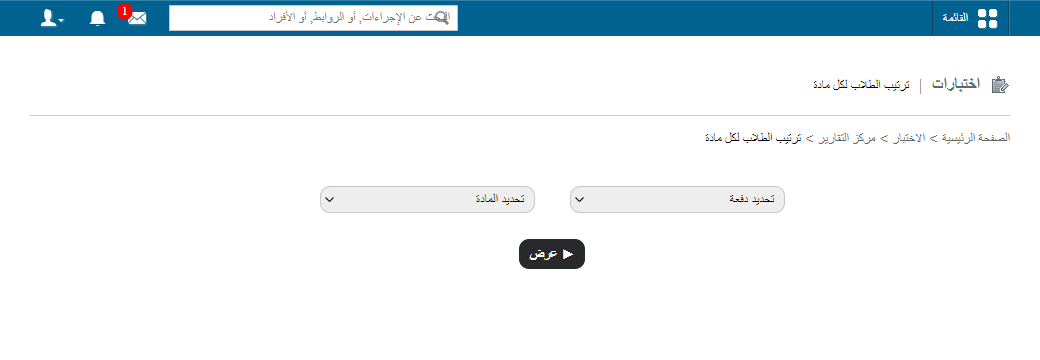
Go to Menu → Academics → Examination → Reports center → Student Ranking per Subject.
Steps
- Select the batch and subject, then click View. Click a column header to sort the list.
- In the top right, click PDF report to generate a PDF file, or CSV report to generate a CSV file.
Related articles
Was this article helpful?
Thanks for your feedback!