
How to create an activity profile
Set up activity profiles for co-scholastic areas such as discipline and cultural activities, graded on the final report card.
Co-scholastic areas that relate to a student’s overall personal development — such as discipline or cultural activities — and that are evaluated with grades are created in an activity profile.
Activity profiles appear on the final report card. They are evaluated using grades and do not require exam scheduling.
Steps to create an activity profile
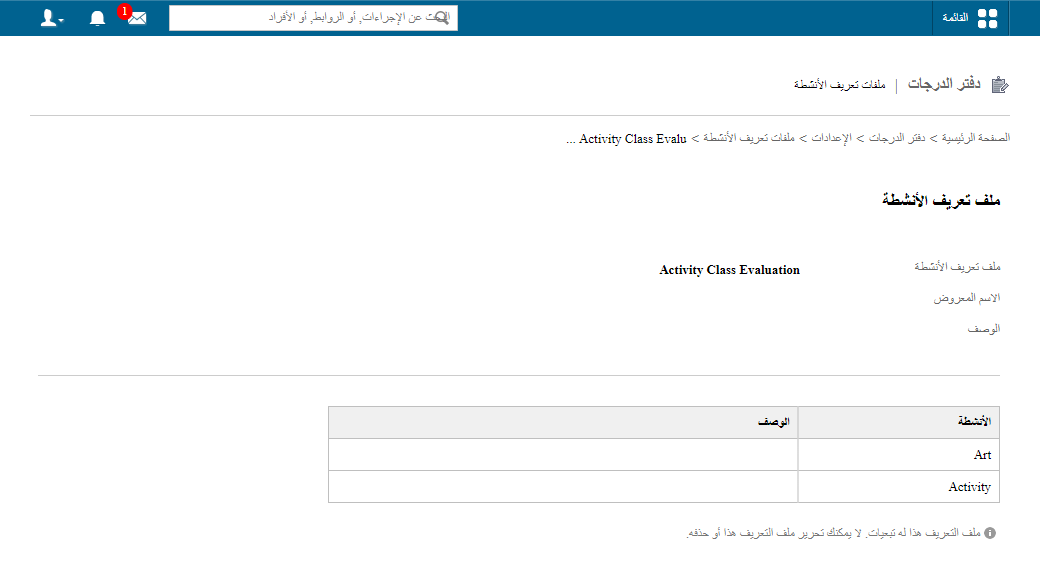
- Go to Menu → Academics → Gradebook → Settings → Activity Profile.
- Click Create Activity Profile, then Add Activities.
Was this article helpful?
Thanks for your feedback!