
How can we access the News module?
Open the News module from the dashboard and find the options to add news or view all published news.
- At the top of your dashboard, click the module access icon.
- Go to Menu → Collaboration → News.
Screenshot — to be added
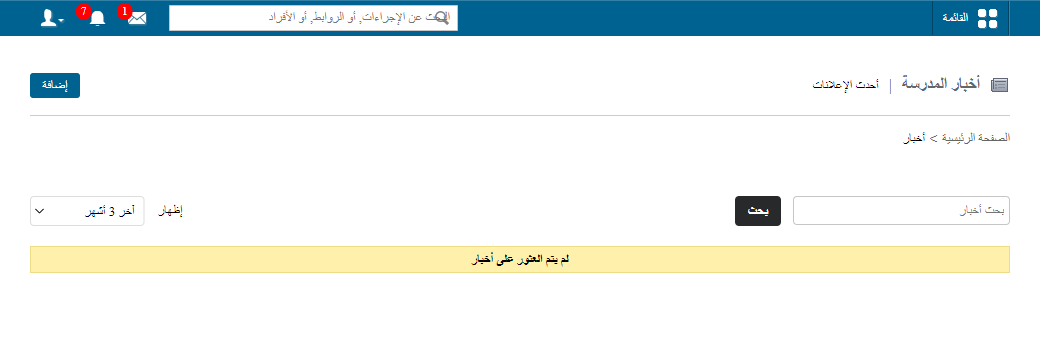
public/images/articles/news-access-module-1.pngThe News page shows two main options:
- Add – create a new news item.
- View all – see the complete list of published news.
Was this article helpful?
Thanks for your feedback!