
How can a published news item be viewed?
Open the full list of published news and select any title to read the complete announcement.
- At the top of your dashboard, click the module access icon and go to Menu → Collaboration → News.
- Click View all to display the list of available news. The Add option for adding news is also shown on this page.
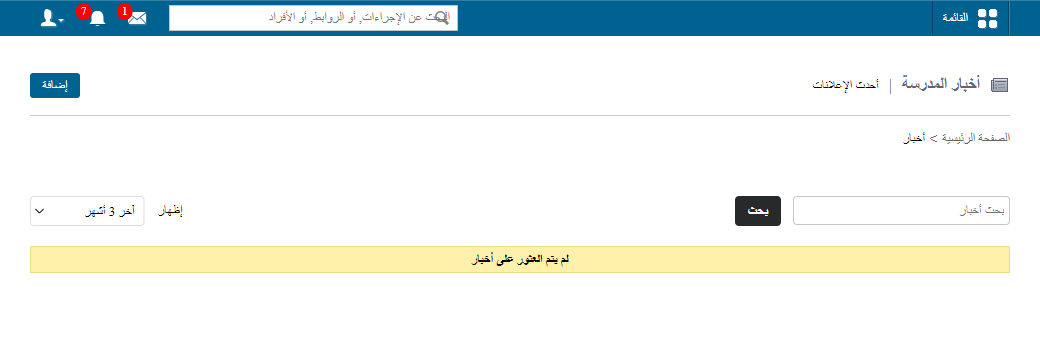
- All news titles are listed under View all. Select a title to read the full news item.
Screenshot — to be added
public/images/articles/news-view-published-2.pngWas this article helpful?
Thanks for your feedback!