
How can I add guardian details after a student is admitted?
Add or update a student's guardian details at any time from the Guardians section of the student profile.
You can add guardian details for a student even after the student has been admitted.
Log in as an Admin or privileged employee and follow these steps:
- Go to Academics → Students, search for the student and select them.
- In the student profile, select Guardians at the top right.

- Select Add Guardian and enter the guardian details.
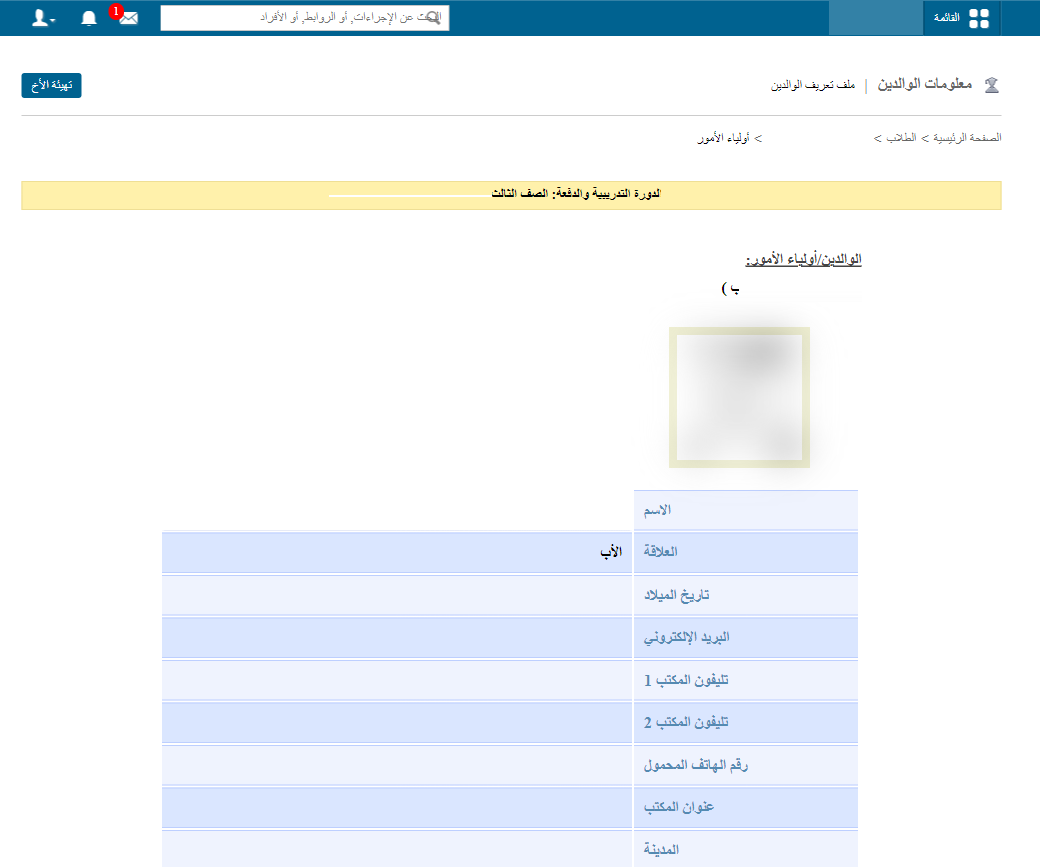
The animation below shows the full process.
Screenshot — to be added
public/images/articles/faq-add-student-guardian-later-3.pngTip: To do the same for an employee, see How to add guardian details for an employee after joining.
Was this article helpful?
Thanks for your feedback!