
How can I view fee payment details in a student's profile?
See all paid and due fees for current and previous batches from the Fees tab of a student's profile.
From a student’s profile (More → Fees), you can view all the fees the student has paid and still has to pay, for the current batch and for previous batches. The following types of fees may be listed:
- General (finance) fees
- Hostel fees
- Transport fees
- Instant fees
- Library fines
The overall fee payment status is shown against each batch:
| Status | Meaning |
|---|---|
| No fees to pay | No fee collection has been assigned to the student for the batch. |
| All fees paid | The student has paid all assigned fee collections for the batch. |
| Unpaid fees | The student has unpaid fees for the batch. |
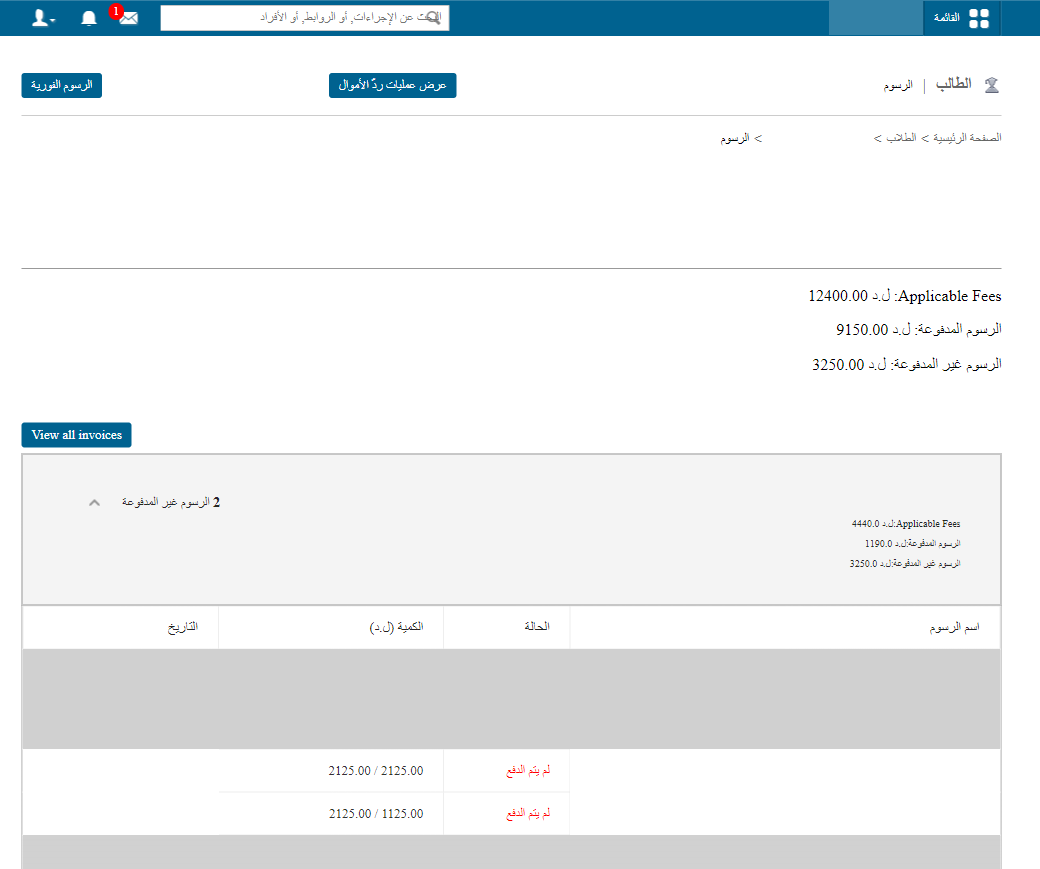
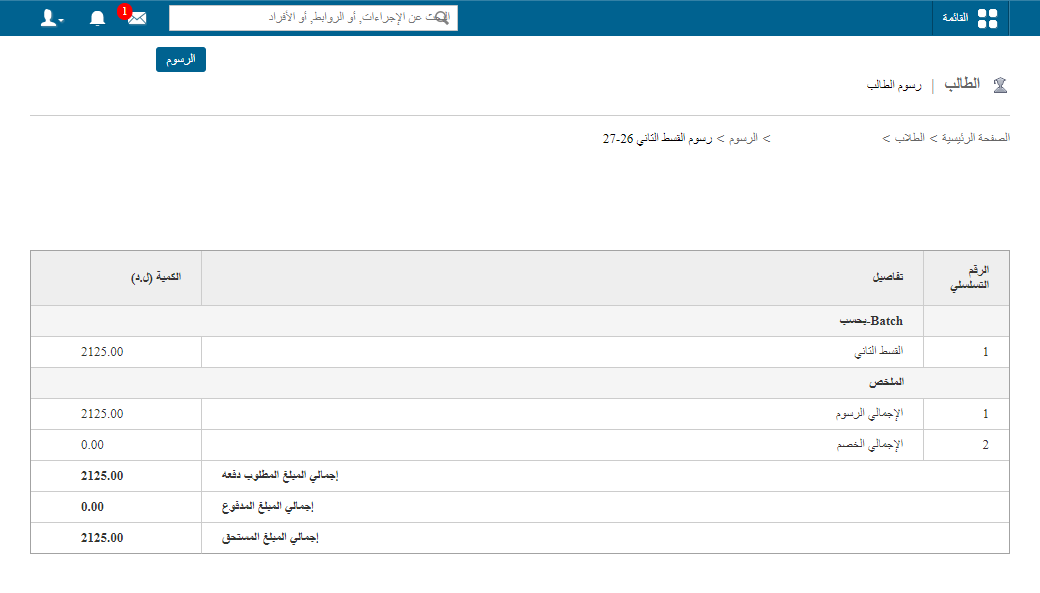
Click the expand button to see all fee details: the fee name, payment status (Paid or Unpaid), amount paid or amount due, and payment date or due date. Click a fee name to view its voucher details.
Note: If online payment is enabled and configured, students and parents can pay unpaid fees by clicking the fee collection name.
Was this article helpful?
Thanks for your feedback!