
How do I add guardian details for an employee after joining?
Add or update an employee's guardian details at any time from the Personal section of their profile.
You can add guardian details for an employee even after they have joined the institution.
Log in as an Admin or privileged employee and follow these steps:
- At the top of your dashboard, click the module access icon and go to Administration → Human Resource → Employee Search to open the Employee Details page.
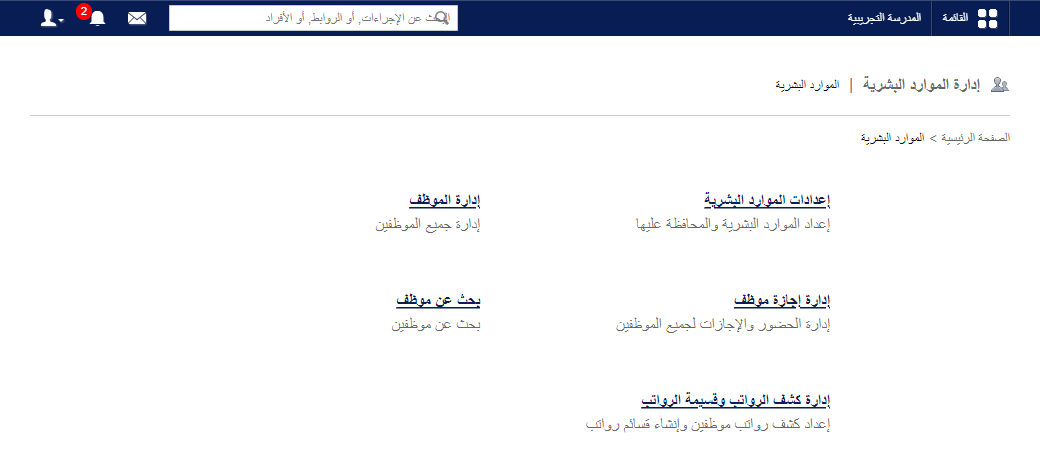
- In the Search field, enter the employee’s first name, last name or employee ID.
- Click the employee’s name to open their profile.
- Under Profile, select Personal.
- Click Edit and update the guardian details.
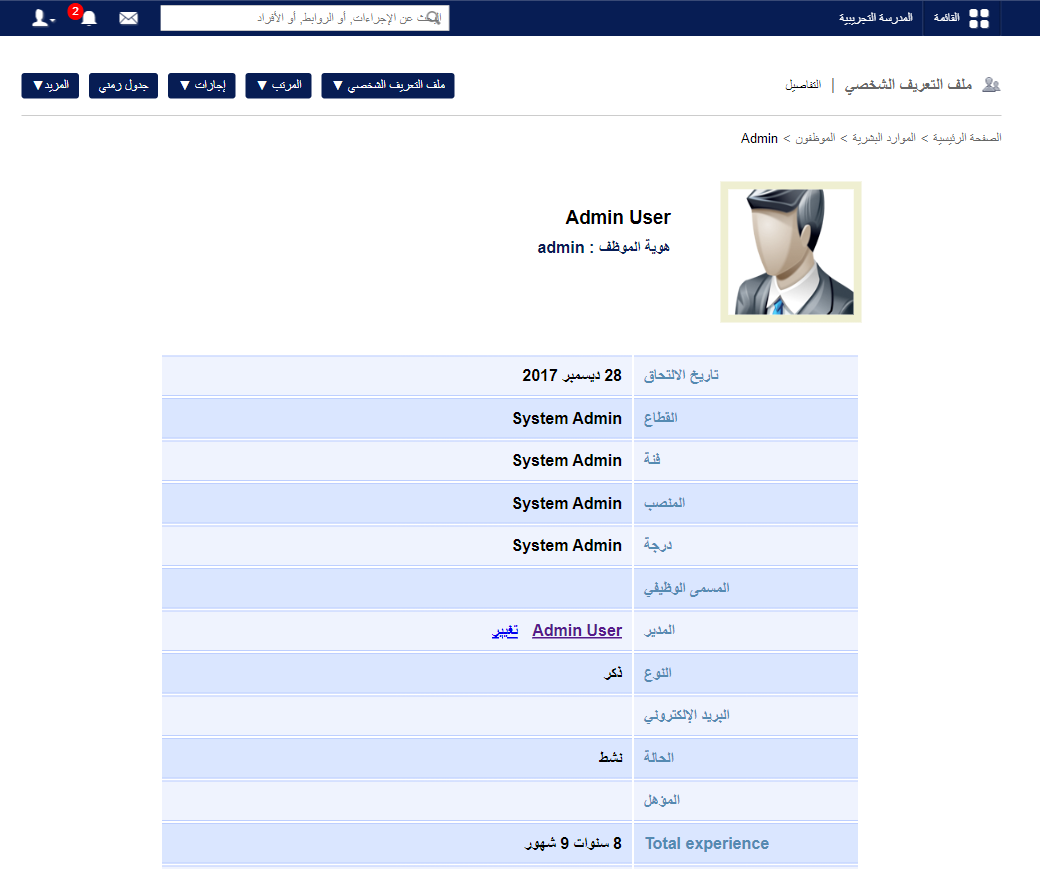
The animation below shows the full process.
Screenshot — to be added
public/images/articles/faq-hr-employee-guardian-3.pngTip: To do the same for a student, see How can I add guardian details after a student is admitted?
Was this article helpful?
Thanks for your feedback!