
How can I get a student's complete academic report?
Use the transcript in the Report Center to see a student's overall academic record and download it as PDF.
You can get a student’s complete academic record from the View Transcript option in the Report Center of the Examination module. A student’s transcript contains their overall record at the institution.
- Generate the reports using the Generate Report option.
- Open the Report Center and click View Transcript.
- Select the batch and click View. The students in the batch are listed on the left side of the screen.
- Select a student to see their transcript, as shown in Fig. 1.
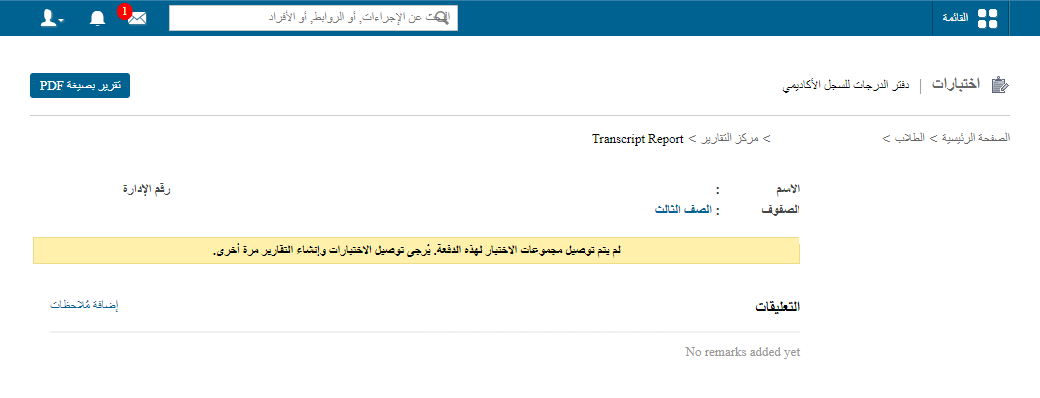
The transcript shows the student’s combined percentage for each batch, the course-wise combined percentage for all completed exams, and the class designation obtained in each batch. Retaken exams are also marked, as shown above.
To download the transcript, click the PDF Report button at the top right.
Screenshot — to be added
public/images/articles/faq-exam-student-transcript-2.pngSee also GPA student transcripts and CWA student transcripts.
Was this article helpful?
Thanks for your feedback!