
How to generate the exam schedule report
View and export the exam schedule details of every batch, including marks, dates and times, as a CSV file.
Once an exam is scheduled, the administrator or an employee with the View Additional Reports privilege can generate the exam schedule report.
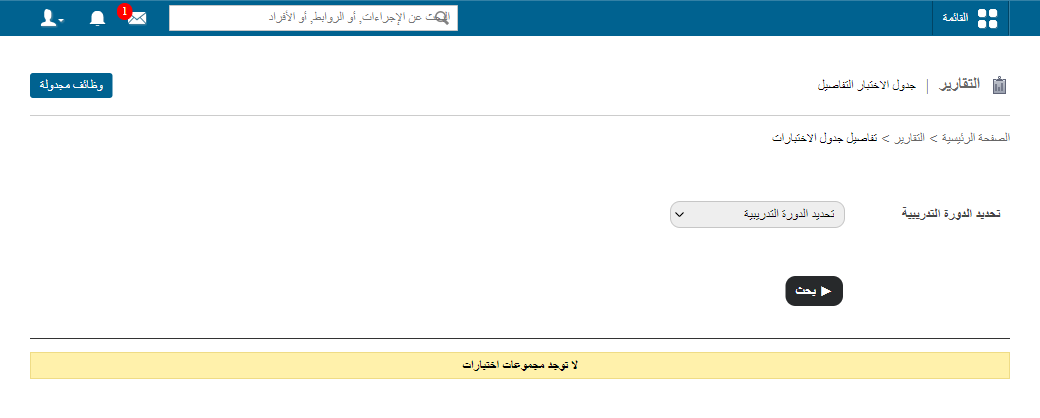
Go to Menu → Data and Reports → Reports → Exam Schedule Details.
The Exam Schedule Details page shows the exam schedules of all batches, including:
- Exam type
- Exam name
- Maximum and minimum marks
- Start and end date
- Start and end time
Steps
- To view the schedule for a particular batch, select a course and then a batch.
- Click Search.
- Click Export as CSV to export the exam schedule.
Was this article helpful?
Thanks for your feedback!