
How to link a class to a gradebook planner
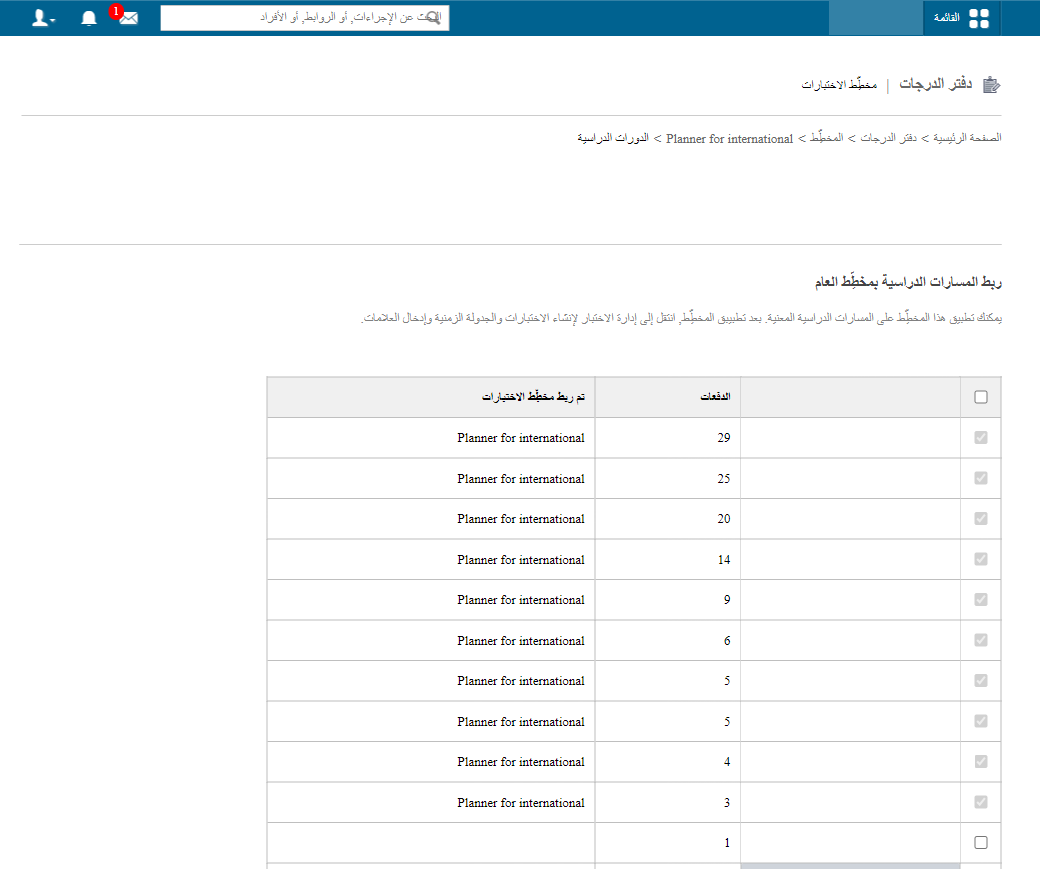
Link the classes that follow an exam pattern to the exam planner using Manage Classes.
After the planner is created and exams are added for the term, the next step is to link the classes that follow this exam pattern to the planner.
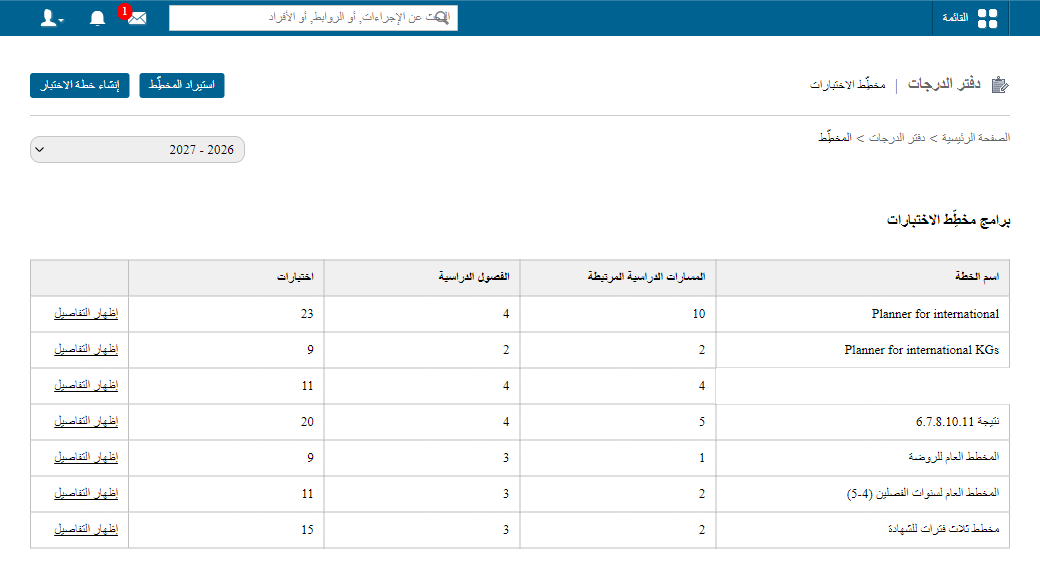
Go to Menu → Academics → Gradebook → Exam Planner, choose the exam plan, then click Manage Classes → Add classes.
Was this article helpful?
Thanks for your feedback!