
What is the student term report?
View or download each student's generated report individually using the Student Term Report option.
Once the report is generated, you can check or download each student’s report individually using Student Term Report.
Go to Menu → Academics → Gradebook → Manage Gradebook, select the class, click Manage Exams, select the exam or term, then click More (or Actions) → Student Term Report.
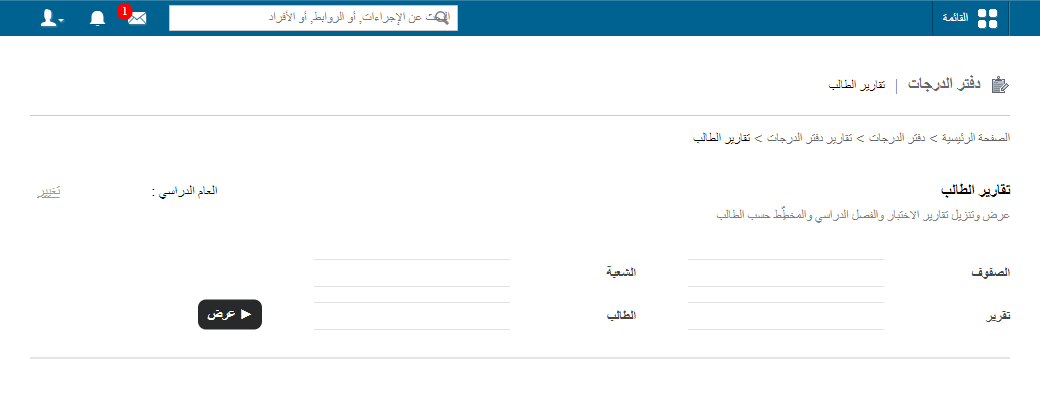
Screenshot — to be added
public/images/articles/gradebook-student-term-report-2.pngScreenshot — to be added
public/images/articles/gradebook-student-term-report-3.pngWas this article helpful?
Thanks for your feedback!