
How to create an item category
Item categories group store items and are used only when recording sellable items.
Item categories group store items together. They are used only when recording sellable items.
Steps
-
Go to Menu → Administration → Inventory → Item Category.
1Opening Item Category from the Inventory menu -
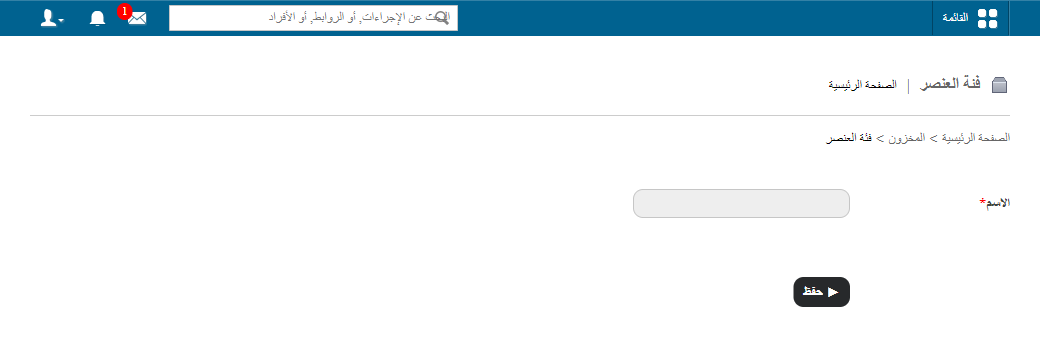
In the Name field, enter the item category name.
-
In the Code field, enter a code for the item category. Each code must be unique.
-
Click Save.
Screenshot — to be added
public/images/articles/inventory-create-item-category-2.pngRelated articles
Was this article helpful?
Thanks for your feedback!