
How to edit or delete an item category
Edit an item category at any time; delete it only if no store item uses it.
An item category can be edited at any time. However, it can only be deleted if it has not been used when adding an item to a store.
Steps
-
Go to Menu → Administration → Inventory → Item Category.
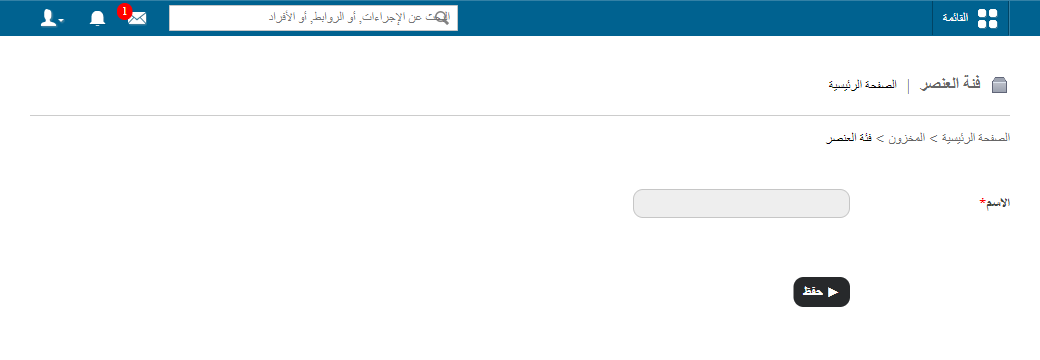
1Opening Item Category from the Inventory menu -
Click Edit to modify an item category, or Delete to remove it.
Screenshot — to be added
public/images/articles/inventory-edit-delete-item-category-2.pngRelated articles
Was this article helpful?
Thanks for your feedback!