
How to edit or delete a store category
Edit a store category at any time; delete it only if no store uses it yet.
You can edit a store category’s details at any time. However, a store category can only be deleted if it has not been used when creating a store.
Steps
-
Go to Menu → Administration → Inventory → Store Category.
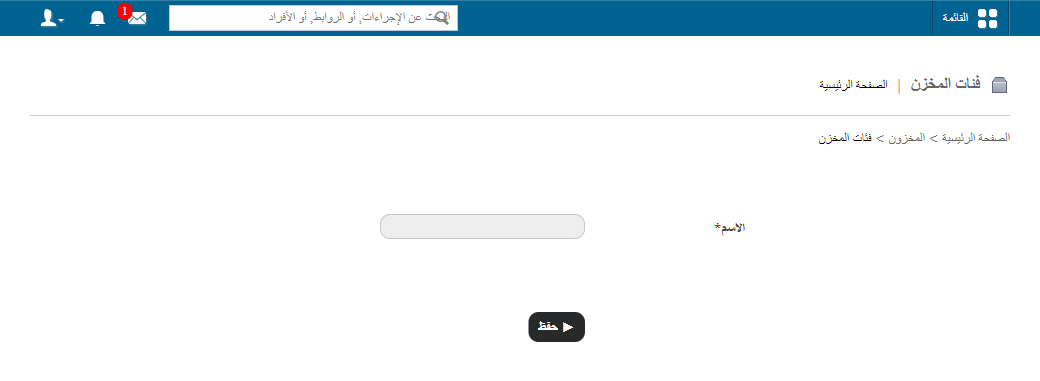
1Opening Store Category from the Inventory menu -
Click Edit to change a store category, or Delete to remove it.
Screenshot — to be added
public/images/articles/inventory-edit-delete-store-category-2.pngRelated articles
Was this article helpful?
Thanks for your feedback!