
How to create a store category
Create store categories to group stores by recipient, item type or function.
Stores can be categorised by different attributes, for example:
- By recipient: Student, Employee or Guest.
- By item type: Consumable or Non-consumable items.
- By function: Sellable store or Indent store.
Steps
-
Go to Menu → Administration → Inventory → Store Category.
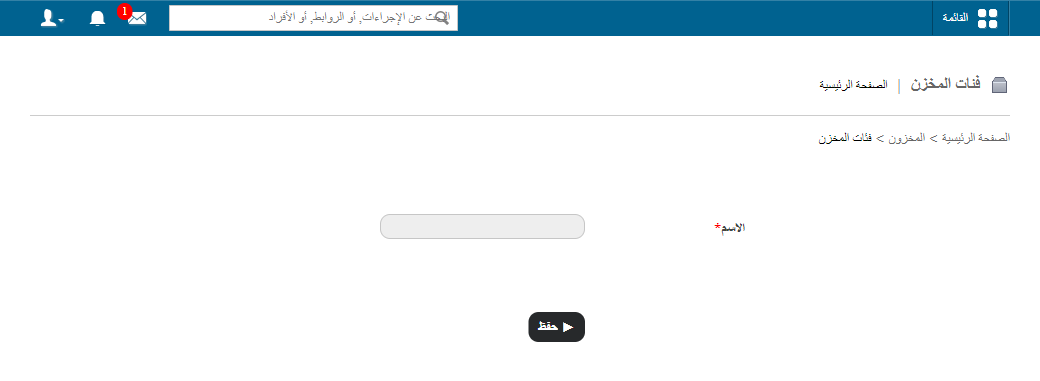
1Opening Store Category from the Inventory menu -
In the Name field, enter the store category name.
-
In the Code field, enter a code for the store category. Each code must be unique.
-
Click Save.
Screenshot — to be added
public/images/articles/inventory-create-store-category-2.pngRelated articles
Was this article helpful?
Thanks for your feedback!