
How to generate sales reports
Use the item-wise, day-wise and invoice sales reports to track item availability, collections and invoices.
The Inventory module offers three sales reports.
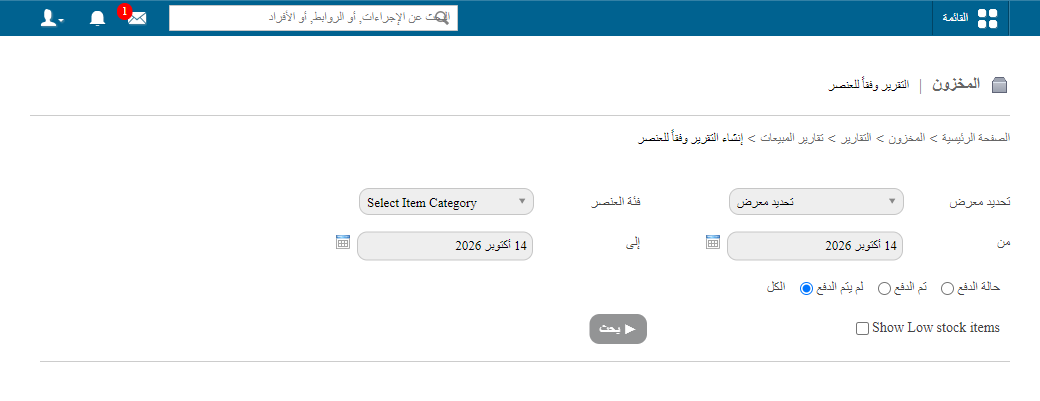
Item-wise report
Use the Item-wise Report to view item availability and the amount collected for each item.
Go to Menu → Administration → Inventory → Reports → Sales Reports → Item-wise Report.
Day-wise report
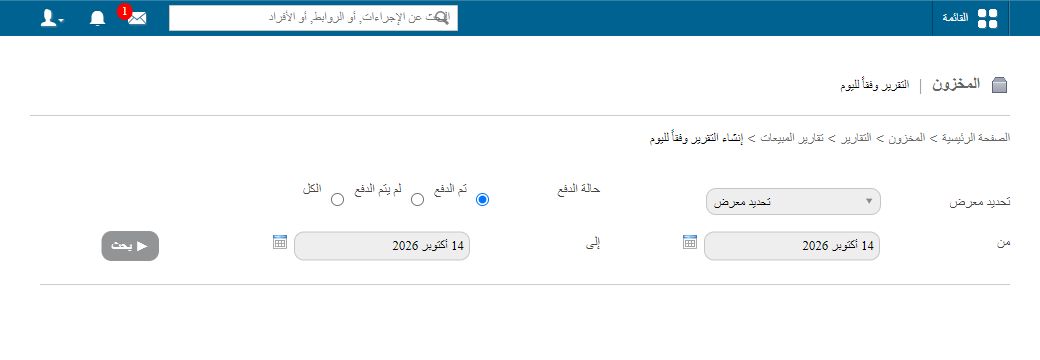
Use the Day-wise Report to view the amount collected and the total number of sales made by each store on the selected date(s).
Go to Menu → Administration → Inventory → Reports → Sales Reports → Day-wise Report.
Invoice report
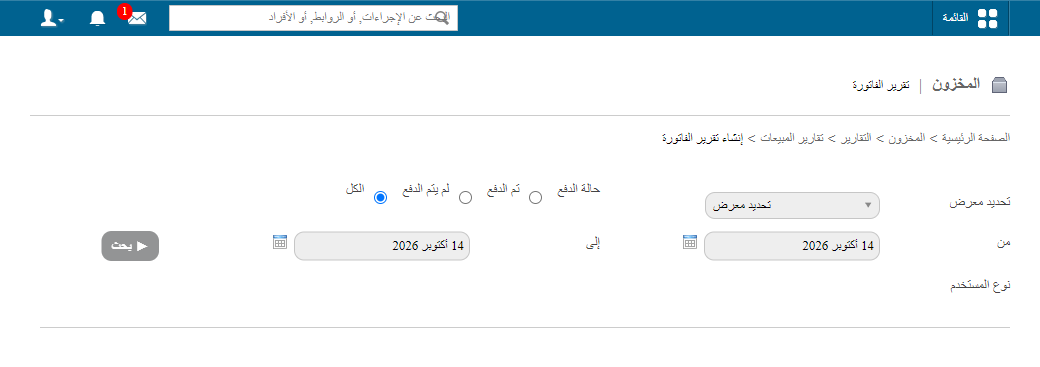
Use the Invoice Report to view the list of invoices and their details for the selected date(s).
Go to Menu → Administration → Inventory → Reports → Sales Reports → Invoice Report.
Tip: Click an invoice number to view the complete invoice details.
Related articles
Was this article helpful?
Thanks for your feedback!