
How to edit or delete library settings
Library settings for a course can be edited or deleted at any time from the Library Settings page.
Yes. Library settings for a course can be edited or deleted at any time in the Library module.
Steps
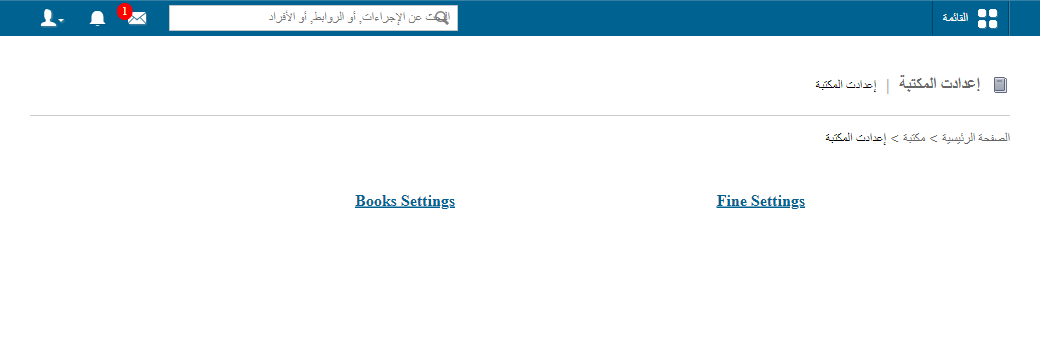
- Go to Menu → Academics → Library → Library Settings to open the Library Settings page.
- Next to the setting you want to change:
- Click Edit to modify it, or
- Click Delete to remove it.
Related articles
Was this article helpful?
Thanks for your feedback!