
How to configure library settings
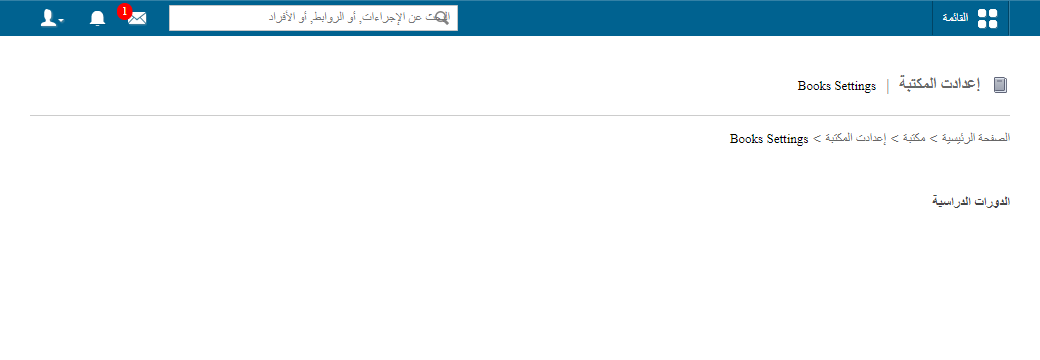
Set the maximum number of books that can be issued and the loan period for each student category in a course.
For each course in your institution, you can set the maximum number of books that can be issued and the loan period for each student category.
Steps
-
Go to Menu → Academics → Library → Library Settings to open the Library Settings page.
-
Select a course.
-
Click Add New.
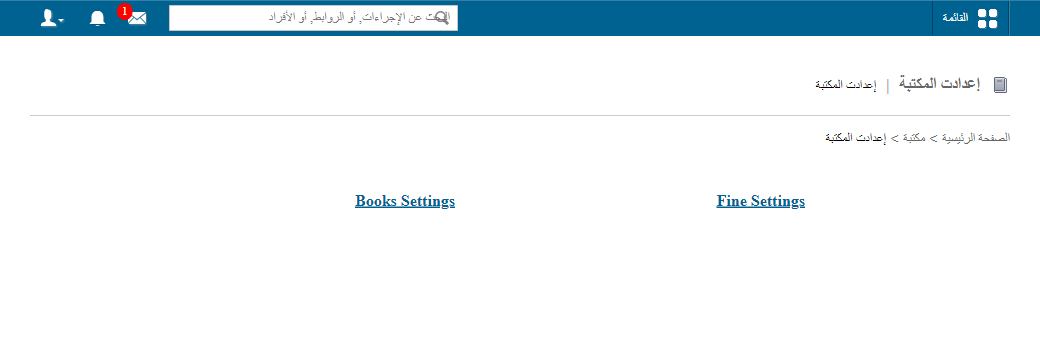
1Add New button on the Library Settings page -
In the Category field, select the student category (as defined under student category management).
-
In the Books Issuable field, enter the maximum number of books that can be issued.
-
In the Time Period field, enter the maximum number of days a book can be kept.
-
Click Submit.
Related articles
Was this article helpful?
Thanks for your feedback!