
How to set the maximum number of books issued to a student
Limit how many books students can borrow, and for how long, based on their student category.
The librarian can limit how many books a student can borrow, based on the student’s category. Different student categories can have different borrowing limits.
Steps
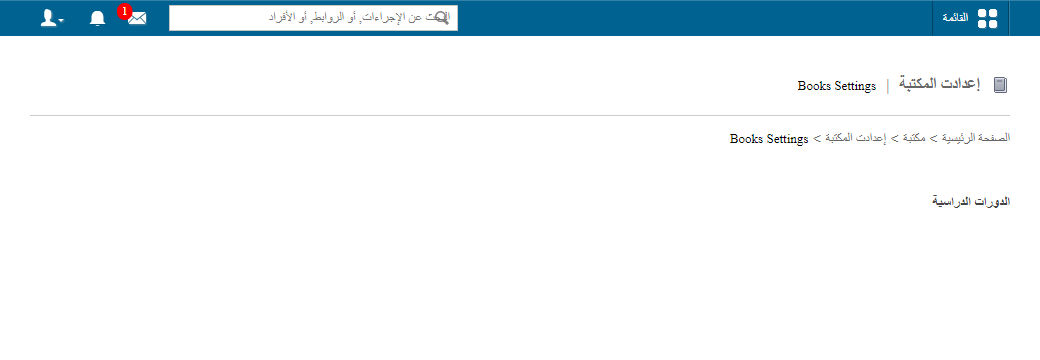
- Go to Menu → Academics → Library → Library Settings.
- Select the relevant course.
- Click Add New.
- Fill in the following fields:
- Category: select the student category.
- Books Issuable: enter the maximum number of books a student in this category can borrow.
- Time Period: enter the maximum number of days a book can be kept.
- Click Submit.
Note: If a student tries to borrow more books than their category allows, a warning is displayed when issuing the book, but the librarian can still issue it. See How to issue a book to a student or employee.
Related articles
Was this article helpful?
Thanks for your feedback!