
How is the library movement log useful?
List the books issued or due on a given date with their status, and export the list as CSV.
The movement log lists the books issued or due on a particular date, along with their status.
Steps
-
Go to Menu → Academics → Library → Movement Log to open the Book movement log page.
-
Select the movement type: Issue date or Due date.
-
Select a date.
-
Click Search.
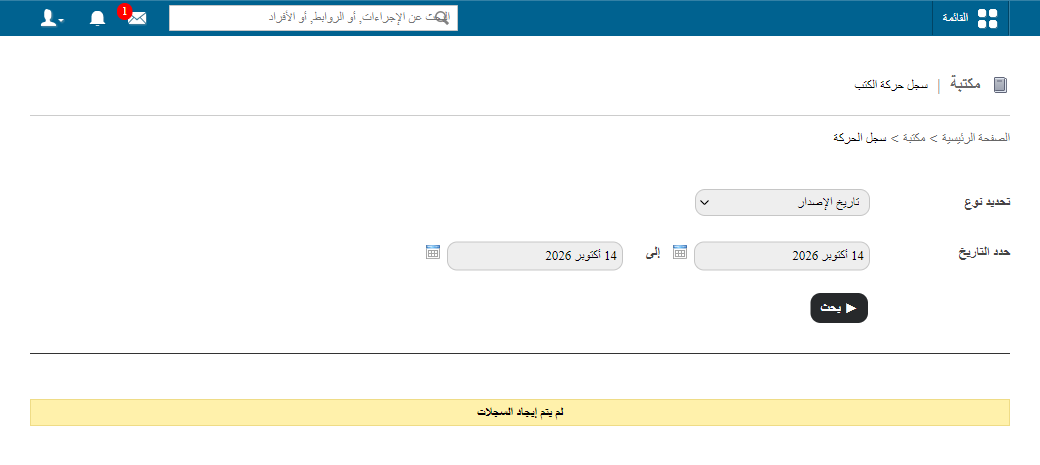
1Searching the book movement log -
Click Export as CSV to download the details as a CSV file.
Was this article helpful?
Thanks for your feedback!