
Filtering tasks with the Filter by option
Use Filter by to list all, assigned, completed or due tasks — both those assigned to you and by you.
The Filter by option helps you find the tasks you need quickly.
Steps
-
Go to Menu → Collaboration → Tasks.
-
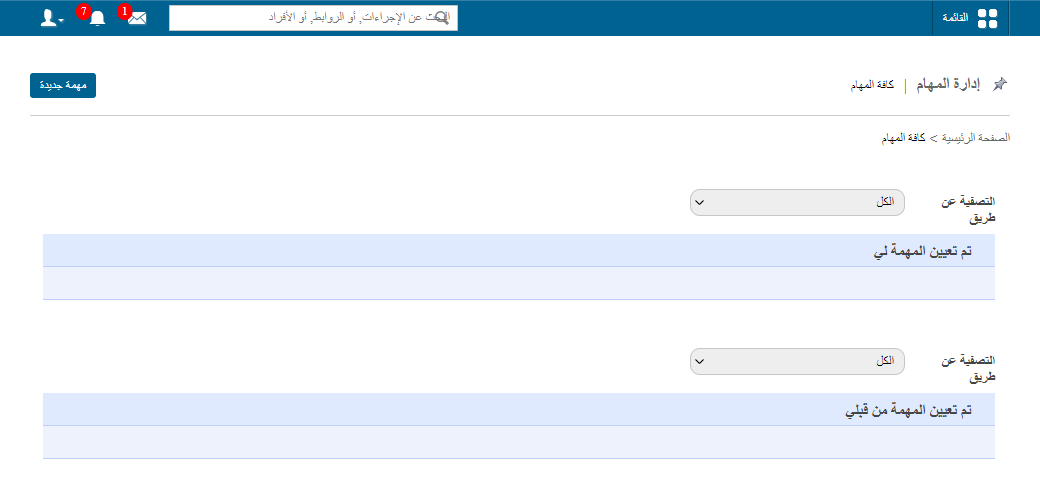
Use the Filter by option to show tasks by status: All, Assigned, Completed or Due Date.
Filtering works in both sections:
- Task assigned to me
- Task assigned by me
Screenshot — to be added
public/images/articles/task-filter-2.pngRelated articles
Was this article helpful?
Thanks for your feedback!