
How to create class timing sets
Define the number of periods, their times and breaks during the school day.
A class timing set defines the number of periods and their duration in a working day. You can create several sets as needed (e.g. full day, short day).
Note: A new batch automatically gets a Default set. Edit it to add periods, or delete it if needed; the next set you create is then assigned to new batches automatically.
Steps
- Click Menu → Academics → Timetable → Manage Class Timing Set.
- Click New at the top.

- Enter the set’s name.
- Click Submit.

- Click View class timings next to the new set.
- Click Add Class Timing.
Screenshot — to be added
public/images/articles/class-timing-sets-3.png- For each period:
- Enter a name (e.g. Period 1, Period 2).
- Set the start and end times.
- Tick Is a break for lunch or recess.
- Click Save.
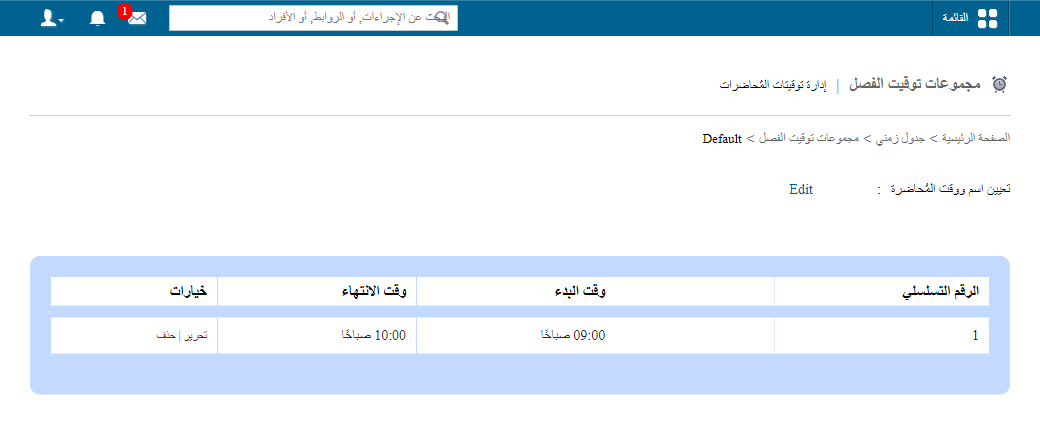
Important: Make sure periods don’t overlap.
Was this article helpful?
Thanks for your feedback!