
How to collect instant fees
Collect an instant fee from a student, employee or guest and issue the receipt.
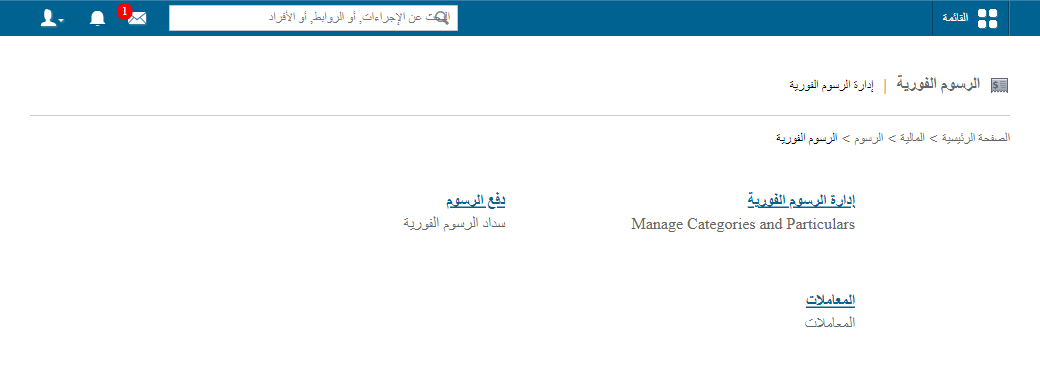
- Go to Menu → Administration → Finance → Fees → Instant Fee.

- Click Pay fees.
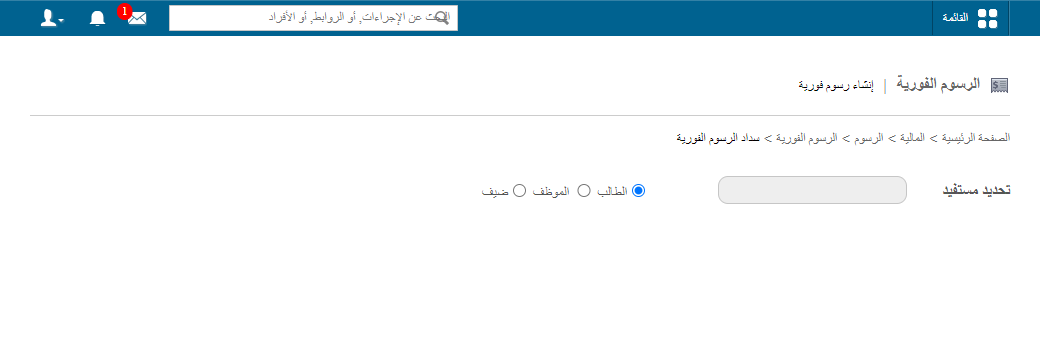
- Choose the payee type: student, employee or guest.
- Enter the payee’s name.
- Click the name in the results.
- Select the fee category to collect.
Screenshot — to be added
public/images/articles/collect-instant-fee-4.png- Click Collect.
Was this article helpful?
Thanks for your feedback!