
How the connect exams feature helps with final results
Connect the exam groups that count toward the final result and assign each a weightage totalling 100.
Connect exams lets you choose which exams count toward a student’s final grade or marks. For example, if your school holds four exams in an academic year but only three count toward the final result, connect only those three exam groups.
When you connect exam groups, you give each one a weightage, and the weightages must add up to 100. For two or more exam groups, split the weightage (for example 50-50, 60-40 or 30-40-30).
Note: Even if there is only one exam group, you must connect it and give it a weightage of 100.
Steps
-
Go to Menu → Academics → Examination → Exam Management to open the Create Exam page.
-
Select a course.
-
Select a batch.
-
In the top right, click Connect exams.
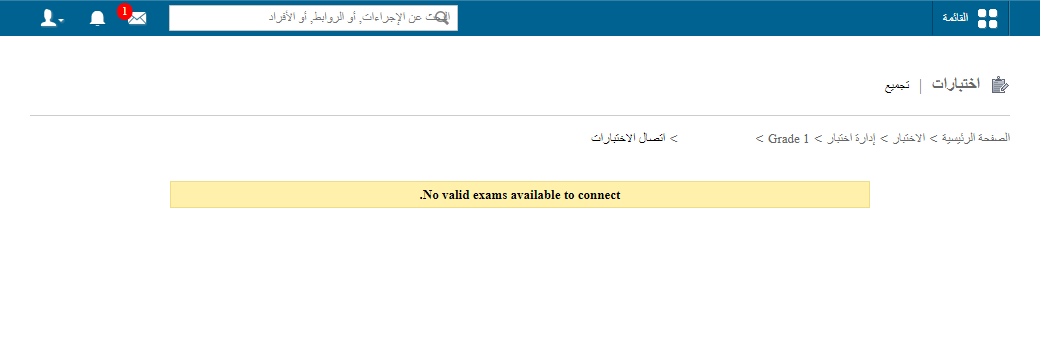
1The Connect exams button -
Select the exams to connect.
-
Enter the weightage for each exam. The total must be 100.
-
Click Save.
Walkthrough
public/images/articles/cwa-connect-exams-2.pngTip: To see each student’s weighted average across connected exams, see How to view the grouped exam report.
Was this article helpful?
Thanks for your feedback!