
How to generate the exam schedule report
View exam schedules for all or selected batches and export them as CSV from Data and Reports.
After an exam is scheduled, the administrator or an employee with the View Additional Reports privilege can generate the exam schedule report.
Go to Menu → Data and Reports → Reports → Exam Schedule Details to open the Exam Schedule Details page.
The exam schedules of all batches are shown, including the exam type, exam name, maximum and minimum marks, start and end dates, and start and end times of each exam.
Steps
-
To view the schedule of a particular batch, select a course and then a batch.
-
Click Search.
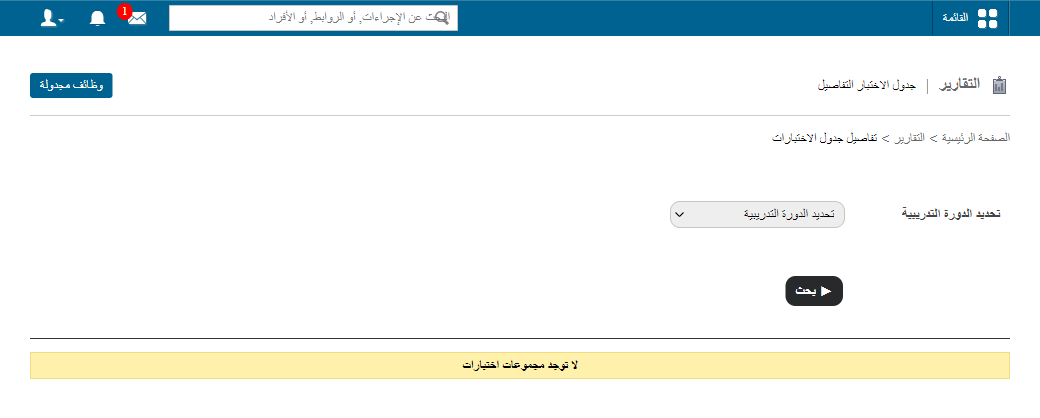
1Searching exam schedules by batch -
Click Export as CSV to export the exam schedule.
Walkthrough
Screenshot — to be added
public/images/articles/cwa-exam-schedule-report-2.pngWas this article helpful?
Thanks for your feedback!