
How to edit or delete a scheduled fee collection
Change or delete a collection before students start paying.
Important: A collection can be edited or deleted only before student payments have started. Once any student has paid, it can’t be changed or deleted.
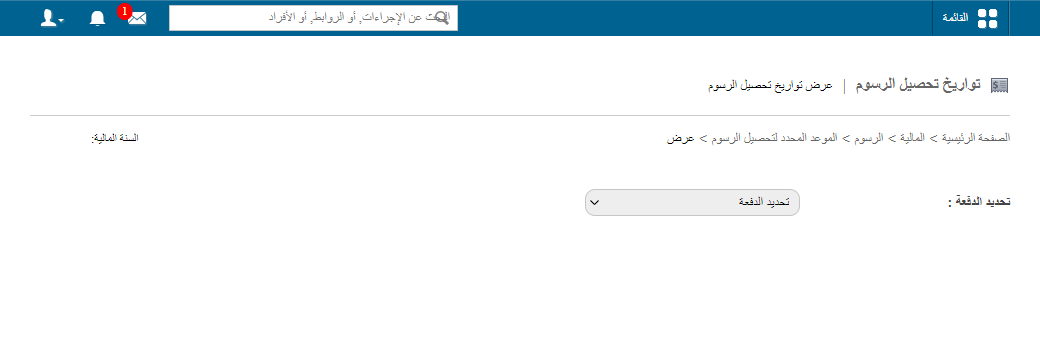
- Click Menu → Administration → Finance → Fees → Schedule Fee Collection Dates → View.
- Select a batch; its collections are listed. Click a collection’s name to see its details.
- Click Edit to change it or Delete to remove it.
Was this article helpful?
Thanks for your feedback!