
How to schedule a fee collection
Create a fee collection for selected batches with start, end and due dates and a fine.
- Click Menu → Administration → Finance → Fees → Schedule Fee Collection Dates → Create Fee Collection.
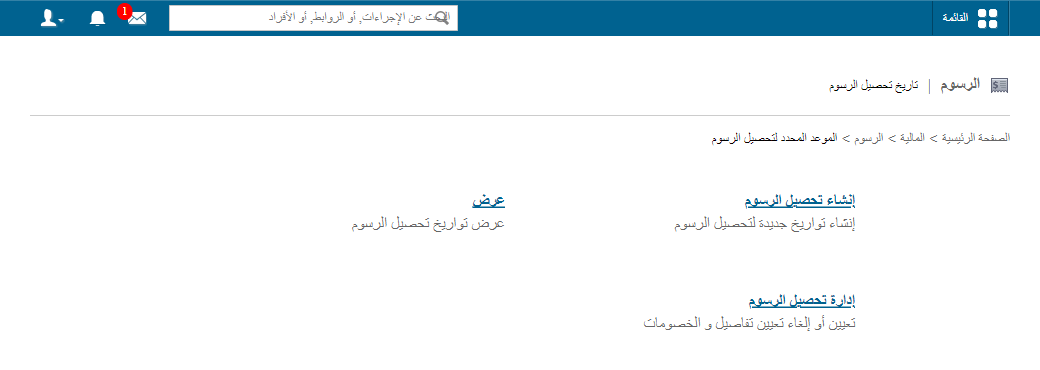
- Select the fee category.
- Select the batches (only those linked to the category appear).
- Enter the collection name, e.g. Term 1 fees 2026.
- Select the fine to apply.
- Set the start date.
- Set the end date by which students must pay.
- Set the due date. Students who haven’t paid by then become defaulters and fines may apply.
- Click Create. Processing may take a while.
Learn more: How to exclude students when scheduling a collection
Was this article helpful?
Thanks for your feedback!