
What is the ranking level report?
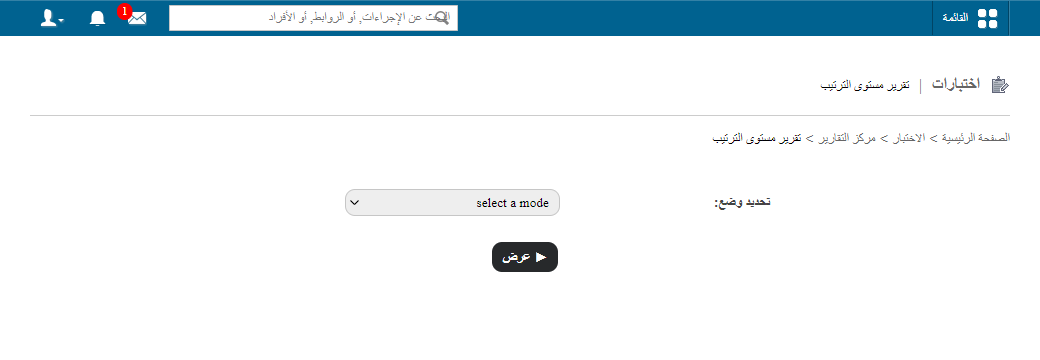
The ranking level report lists the students who fall under each ranking level, by course or by batch.
The ranking level report lists the students who fall under each ranking level. You can generate it course-wise or batch-wise.
Course-wise report
- Select a course.
- If the course has batch groups, select the batch group.
- Select the ranking level.
- Click View to display the report.
How “Consider full course duration” affects the report
The report shows different results depending on whether Consider full course duration is checked in the ranking level:
| Setting | What the report shows |
|---|---|
| Checked | Only current batch students who met the ranking level condition in all batches of the course. Previous (passed) batch details are not shown. |
| Not checked | Data from the current batch and previous batches together. |
public/images/articles/faq-exam-ranking-level-report-2.pngBatch-wise report
You can also select the report by batch. Once you choose a ranking level, the list of students under that ranking level is displayed.
public/images/articles/faq-exam-ranking-level-report-3.pngNote: If Consider full course duration is checked in the ranking level, the report will not include previous (passed) batch details, and only students who met the criteria throughout the entire course are listed.
See also GPA ranking level report and CWA ranking level report.
Was this article helpful?
Thanks for your feedback!