
What is the ranking level report
List students by a selected ranking level, course-wise or batch-wise, and export the list as PDF or CSV.
The Ranking Level Report lists students according to the ranking level you select. Ranking levels are set up in How to set up ranking levels.
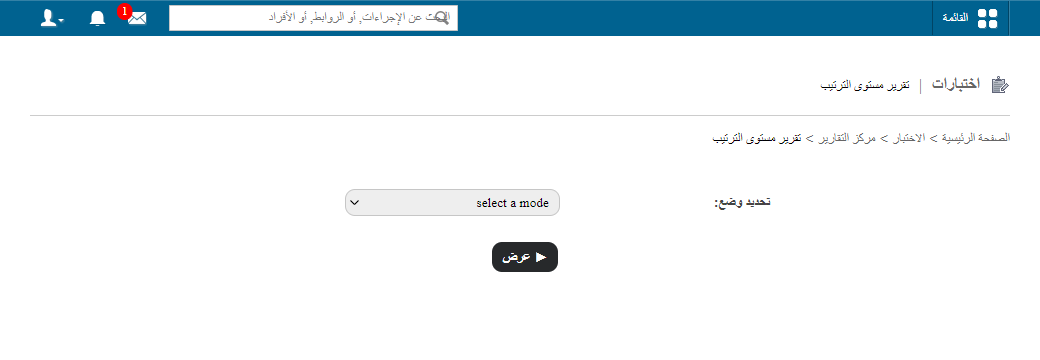
Go to Menu → Academics → Examination → Reports center → Ranking Level Report.
Course-wise
Lists students across a whole course. If Consider all previous batches? was selected when the ranking level was set up, students from previous batches are included too.
- Select Course-wise.
- Select the course, the batch group (if any) and the ranking level.
- Click View.
Batch-wise
Lists students of a single batch.
- Select Batch-wise.
- Select the batch and the ranking level.
- Select the report type:
- Overall – considers all subjects.
- Subject-wise – considers one subject that you select.
- Click View.
Export
To export the report, click PDF report or CSV report in the top right.
Screenshot — to be added
public/images/articles/cwa-ranking-level-report-2.pngWas this article helpful?
Thanks for your feedback!