
How to view student ranking per school
Rank all students in the school by their overall weighted average and export the list as PDF or CSV.
The Student Ranking per School report ranks all students in the institution by their overall weighted average.
Steps
-
Go to Menu → Academics → Examination → Reports center → Student Ranking per School.
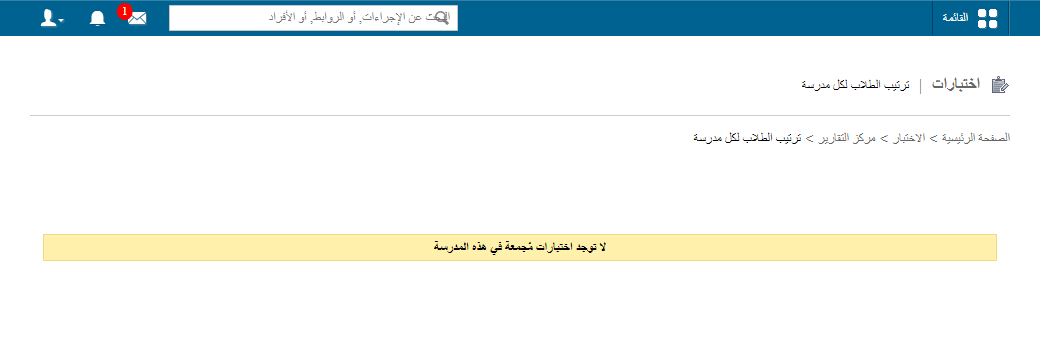
1Student Ranking per School report -
To export the report, click PDF report or CSV report in the top right.
Walkthrough
Screenshot — to be added
public/images/articles/cwa-ranking-per-school-2.pngWas this article helpful?
Thanks for your feedback!