
How to view the combined report for a batch
Categorise the students of a batch using class designations and ranking levels in a single report.
The Combined Report categorises the students of a batch using class designations and ranking levels.
Steps
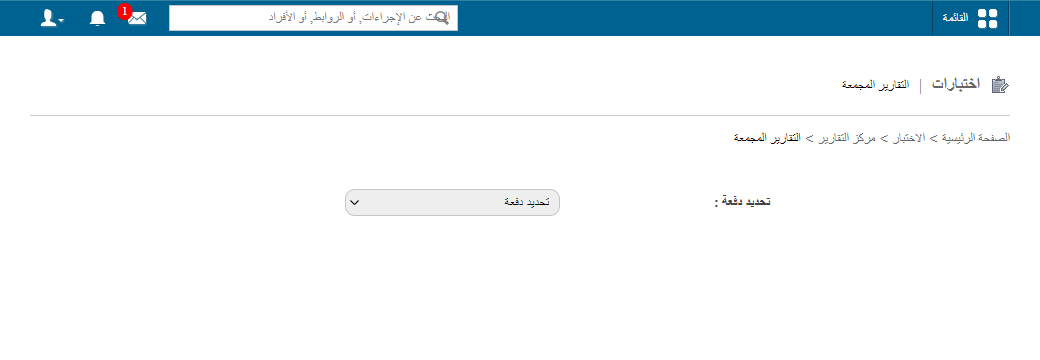
- Go to Menu → Academics → Examination → Reports center → Combined Reports.
- Select a batch.
- Select the class designations and ranking levels to categorise students by.
- Click View.
- Click PDF report to generate a PDF file.
Note: If you selected the Consider all previous batches? checkbox when setting up ranking levels, those ranking levels are not listed here. See How to set up ranking levels.
Related articles
Was this article helpful?
Thanks for your feedback!