
How to check whether a book is available
Search the library by barcode, book number, title, tag or author to check a book’s availability, then reserve or issue it.
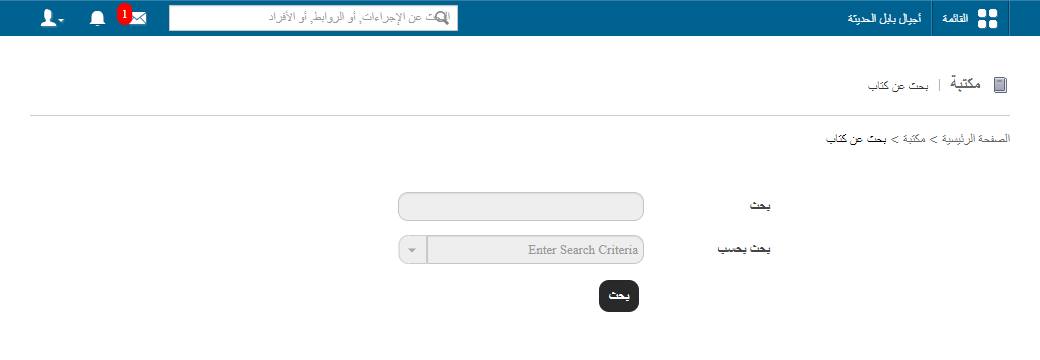
Use the Book Search page to check whether a book is available. Go to Menu → Academics → Library → Search Book.
Search options
You can search for a book by:
- Barcode
- Book number
- Title
- Tag
- Author
Steps
- Enter a keyword in the Search field, based on the search option you chose.
- Click Search.
Next steps
Once you find the book:
- Click the book title to view its full details.
- Click Reserve this book to reserve it, or
- Click Issue this book to issue it to a student or employee.
Screenshot — to be added
public/images/articles/library-check-book-availability-2.pngRelated articles
Was this article helpful?
Thanks for your feedback!