
How to create master particulars and master discounts
Create standard particular and discount names used when creating fees and in transaction reports.
This option lets the admin or a privileged employee create master particulars and master discounts. These names are used when creating fees, and you can later see particular-wise transaction reports in Finance.
- Go to Menu → Administration → Finance → Fees → Master Fees.
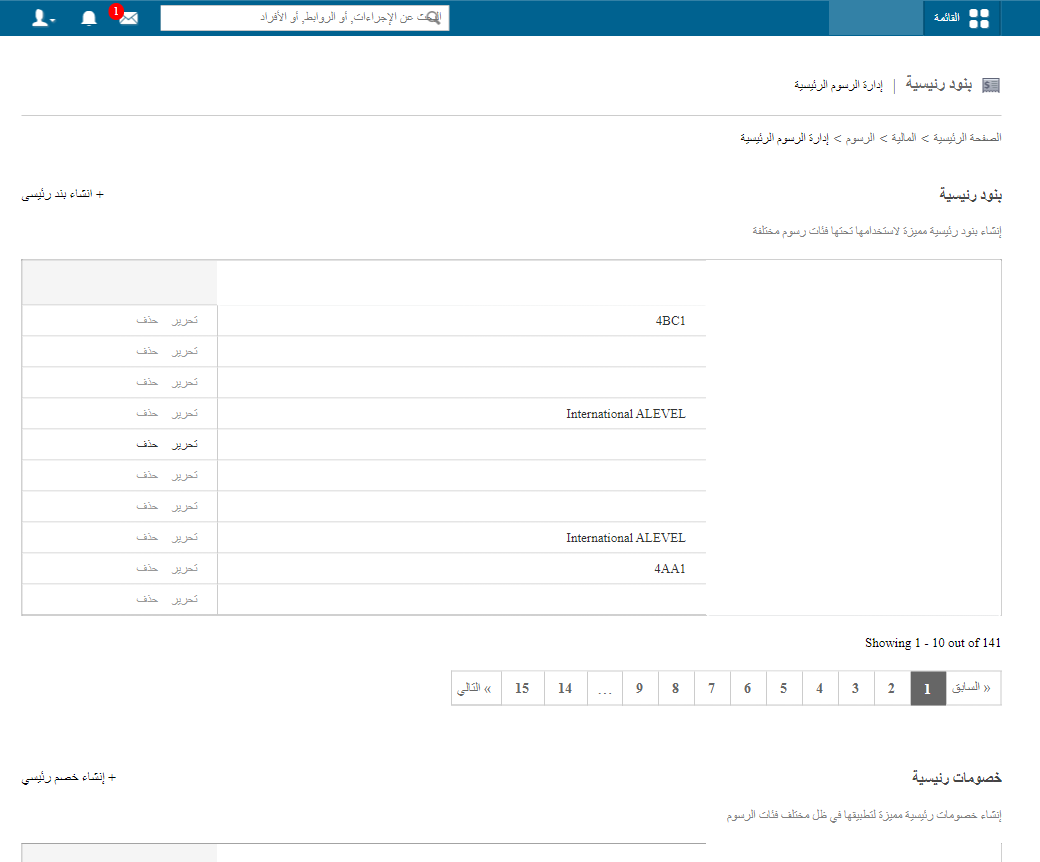
Create a master particular
- Click New Master Particular.
- Enter the name, e.g. Tuition fee or Transport fee.
- Click Create Master Particular.
Create a master discount
- Click New Master Discount.
- Enter the name, e.g. Sibling discount.
- Click Create Master Discount.
Was this article helpful?
Thanks for your feedback!