
How to view the combined report for a batch
Categorise a batch's students by class designations and ranking levels in one report.
The Combined Report categorises the students of a batch by class designations and ranking levels.
-
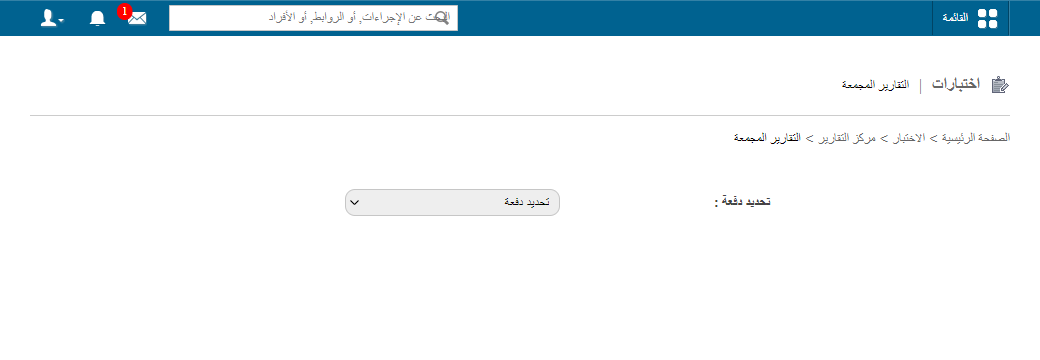
Go to Menu → Academics → Examination → Reports center → Combined Reports.
-
Select a batch.
-
Select the class designations and ranking levels to categorise students by.
Note: If you selected Consider all previous batches? when setting up ranking levels, those ranking levels are not listed here.
1Selecting class designations and ranking levels -
Click View.
Screenshot — to be addedpublic/images/articles/normal-combined-report-2.png2Combined report for a batch -
Click PDF report to generate a PDF report.
Tip: See How to set up class designations and How to set up ranking levels.
Was this article helpful?
Thanks for your feedback!