
How to view the transcript report for students
View a student's marks across all courses and batches to date, with combined percentages and class designations.
A student’s transcript shows all the marks the student has obtained in every course and batch to date.
Note: Before viewing a transcript, make sure you have generated reports for both current and previous batches.
-
Go to Menu → Academics → Examination → Reports center → View Transcripts.
-
Select a batch, and then click View.
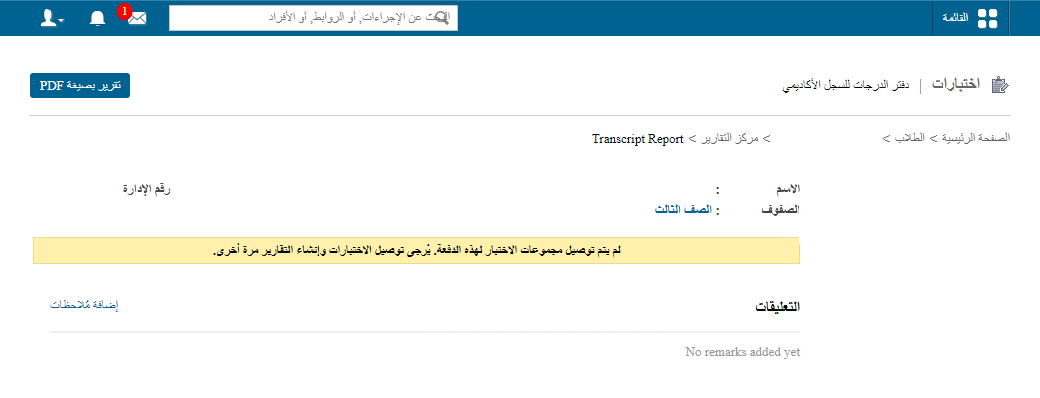
1Student transcript report The report shows the student’s combined percentage for each batch, the course-wise combined percentage for all completed exams, and the class designation obtained in each batch. Retaken exams are also marked, as shown in the image above.
-
In the top right, click PDF report to generate a PDF report.
Was this article helpful?
Thanks for your feedback!