
How to view the grouped exam report for a batch
See each student's total percentage across all connected exams, add remarks and export a PDF.
The Grouped Exam Report shows the total percentage each student obtained across all connected exams.
Go to Menu → Academics → Examination → Reports center → Grouped Exam Report.
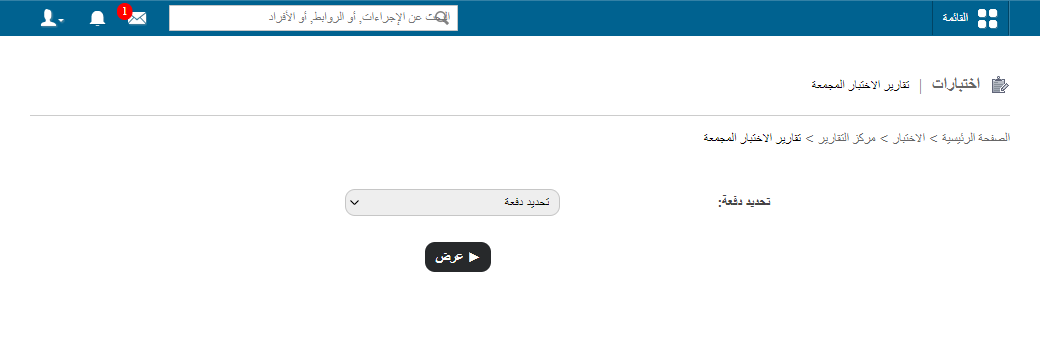
- Select a batch, and then click View.
- To add remarks, click Add remarks.
- Enter the remarks and click Submit.
- Click PDF report to generate a PDF of a student’s results.
Tip: The total percentage is based on the exams you connected. See How the Connect exams feature can help.
Was this article helpful?
Thanks for your feedback!