
How to view student ranking per batch
Rank the students of a batch by their total combined percentage and export it as PDF or CSV.
The Student Ranking per Batch report ranks the students of a batch by their total combined percentage.
-
Go to Menu → Academics → Examination → Reports center → Student Ranking per Batch.
-
Select a batch, and then click View.
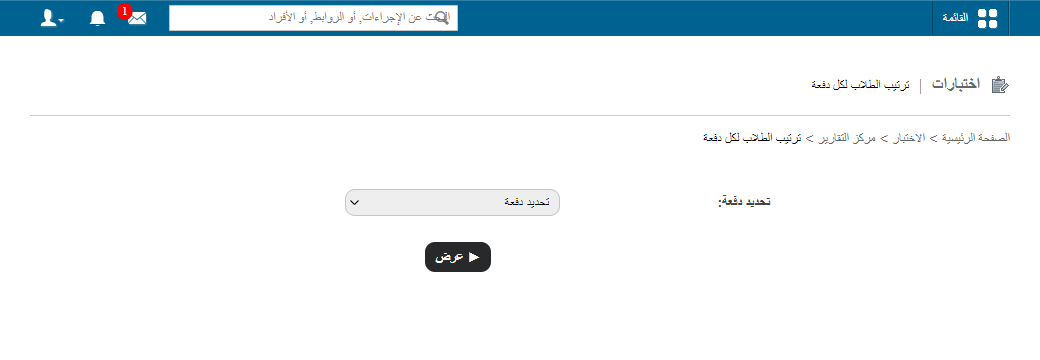
1Selecting a batch -
In the top right, click PDF report to generate a PDF report, or CSV report to generate a CSV report.
Was this article helpful?
Thanks for your feedback!