
How to configure receipt sets
Create separate receipt number sequences for each account, with a prefix and starting number.
An institution may need different receipt number sequences per account; if the school and management have separate accounts, each gets its own numbering.
Note: Enable Multiple Receipt Sets first in the finance general settings.
Steps
- Go to Menu → Administration → Finance → Finance Settings → Receipt Sets.
- Click New.
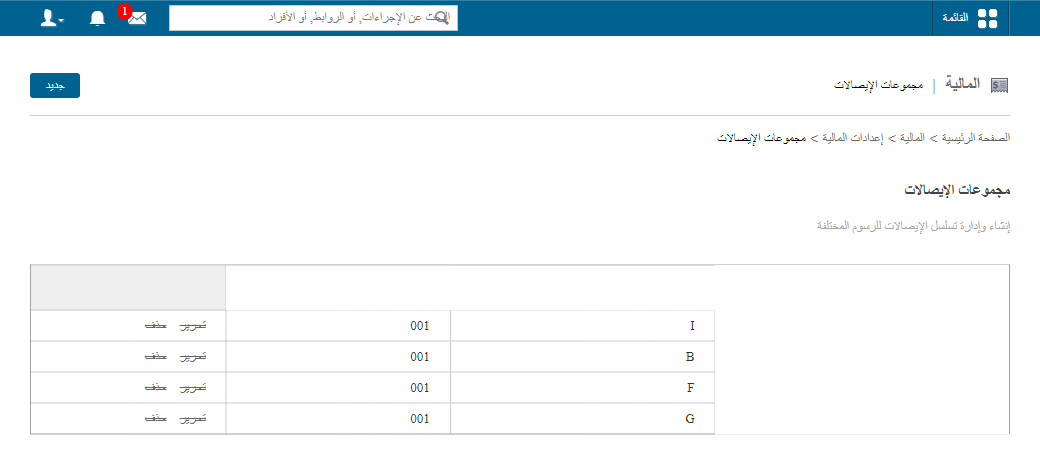
- Enter the name, sequence prefix and starting number.
Screenshot — to be added
public/images/articles/receipt-sets-2.png- Click Create Receipt Set.
Example: prefix SCH- and starting number 1000 give receipts SCH-1000, SCH-1001, …
Was this article helpful?
Thanks for your feedback!