
Generate the fee collection details report for a batch
See which students of a batch have paid a fee collection and which have not, and export the report as CSV.
Employees with the View Additional Reports privilege or the Finance Reports privilege can open this report from the Reports module.
Generate the report
- At the top of your dashboard, click Menu → Data and Reports → Reports → Fee Collection Details.
- Select a course.
- Select a batch.
- Click Search.
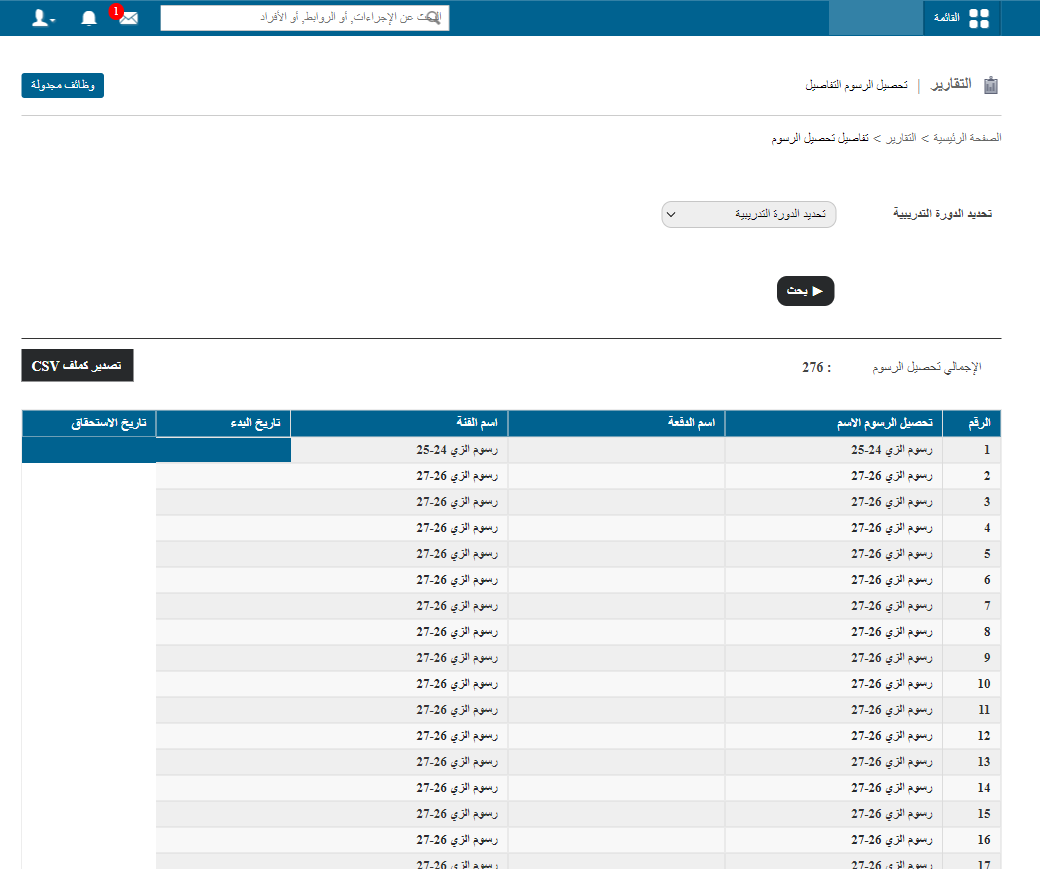
- Click a batch name to see which students have paid their fees and which have not.
- Click Export as CSV to export the report details as a CSV file.
Screenshot — to be added
public/images/articles/report-fee-collection-details-2.pngWas this article helpful?
Thanks for your feedback!