
How to view the student-wise fee report
See everything a student has paid and owes across current and past batches, and export it.
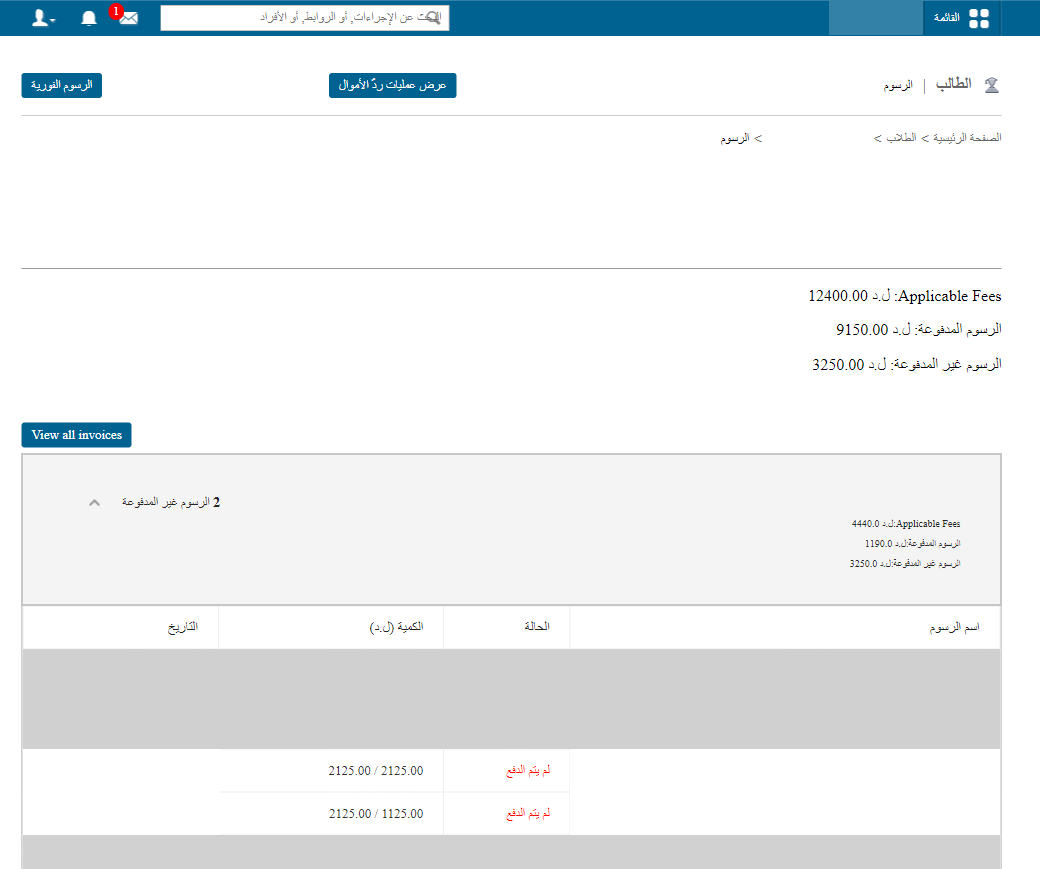
The Student-wise Fee Report shows all fees a student has paid and owes in their current and previous batches: finance, hostel, transport, instant fees and library fines.
Payment statuses:
- No fees to pay
- All fees paid
- Unpaid fees
Steps
- Open the student’s profile.
- Click More → Fees at the top.
- Click the expand icon to see details: fee name, status, amounts and dates. Click a fee name to process its payment.
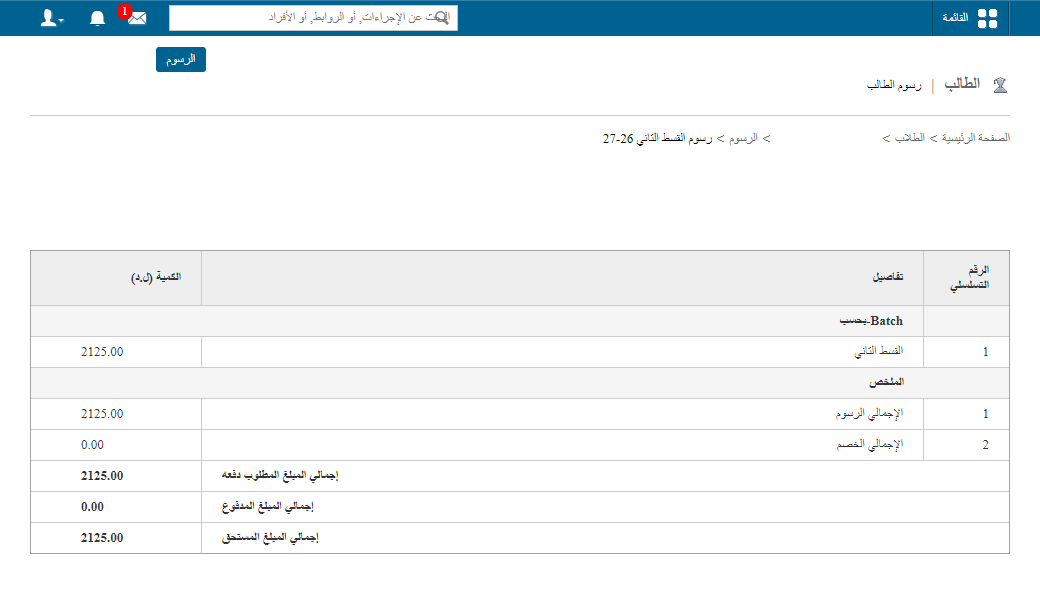
- Click PDF or CSV at the top to export.
Was this article helpful?
Thanks for your feedback!